Class resources and programming
Learn the concept.
Then write the code.
Study class notes, follow programming lessons and test each idea in your browser.

Python Values, Names and Output
Predict printed output, distinguish numeric and string values, and explain assignment and execution order.
study_days = 5
minutes_per_day = 30
# Calculate and print the total below.
Start with your class
Choose a subject, then open its chapter notes, MCQs or past papers.
12th Class (2nd Year HSSC-II)
All 12th Class (2nd Year HSSC-II) resourcesPython Virtual Class
D.I.T(Intermediate)
All D.I.T(Intermediate) resourcesBrowse By Subjects & Topics
Select a subject to view related notes, MCQs test, video lectures, and exam tips.
Class resources
11th Class (1st Year HSSC-I)
Chapter notes, MCQs and past papers for Intermediate Part I.
Class resources
12th Class (2nd Year HSSC-II)
Chapter notes, MCQs and past papers for Intermediate Part II.
Class resources
Python Virtual Class
Special Class For 1st Year Students To learn Python
Class resources
D.I.T(Intermediate)
DIT (Diploma in Information Technology) technical board (jaise PBTE) ka 1-saal ka diploma course hai jise matric ya intermediate ke baad computer application, programming, aur practical IT skills seekhne ke liye design kiya gaya hai.
Coding
Python Programming Course
Basics of Python, Indentation, Loops, Lists, Dictionaries and Beginner Projects
Web
Web Development (HTML & CSS)
Web design basics, page structure, forms, styles and modern responsive layout
Featured Video Lecture
Explore a selected topic with a guided video lesson.
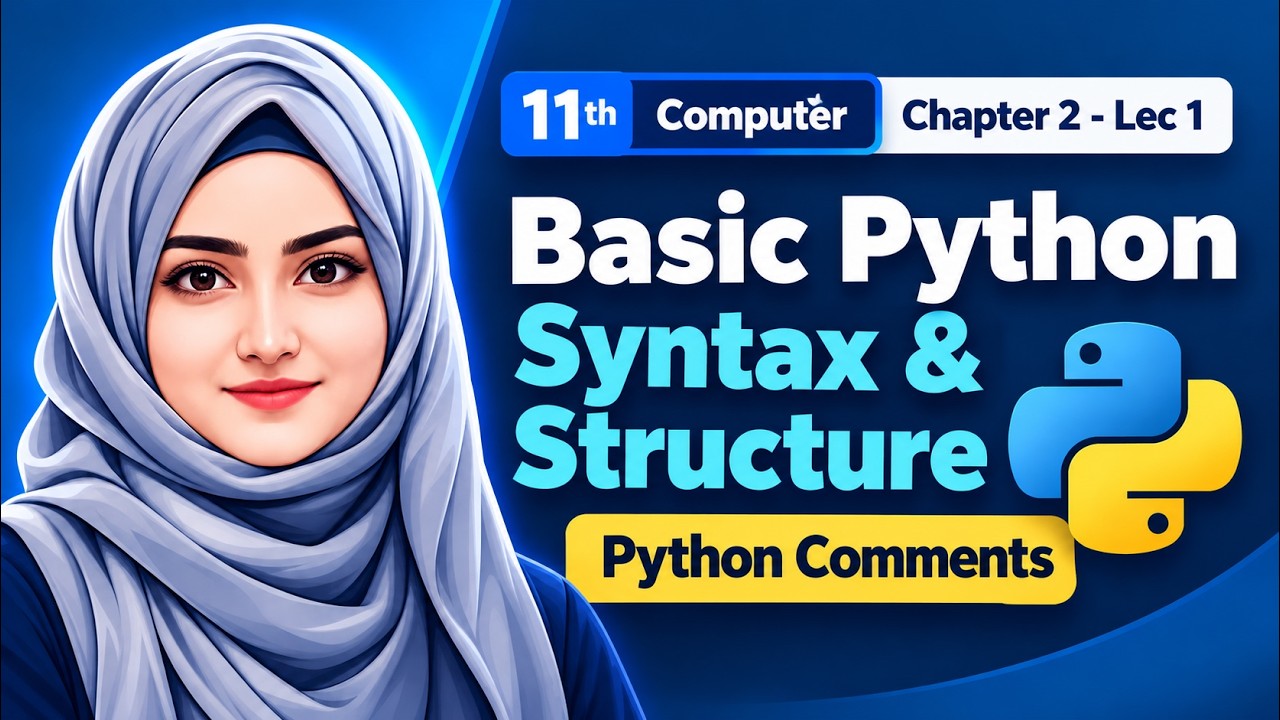
Duration: 10m 59sCategory: Programming
ProgrammingPython
Basic Python Synatx & Structure | Python Comments | 11th Computer - Ch 2 - Lec 1
In this lecture, you will learn how a basic Python statement is structured, how the print() function works, how parentheses and quotation marks are used, what strings are, and how to write single-line and multiline comments in Python.
#Python#Syntax#Comments#11th Computer
Video Lectures Library
Search and filter recorded lectures and tutorials.
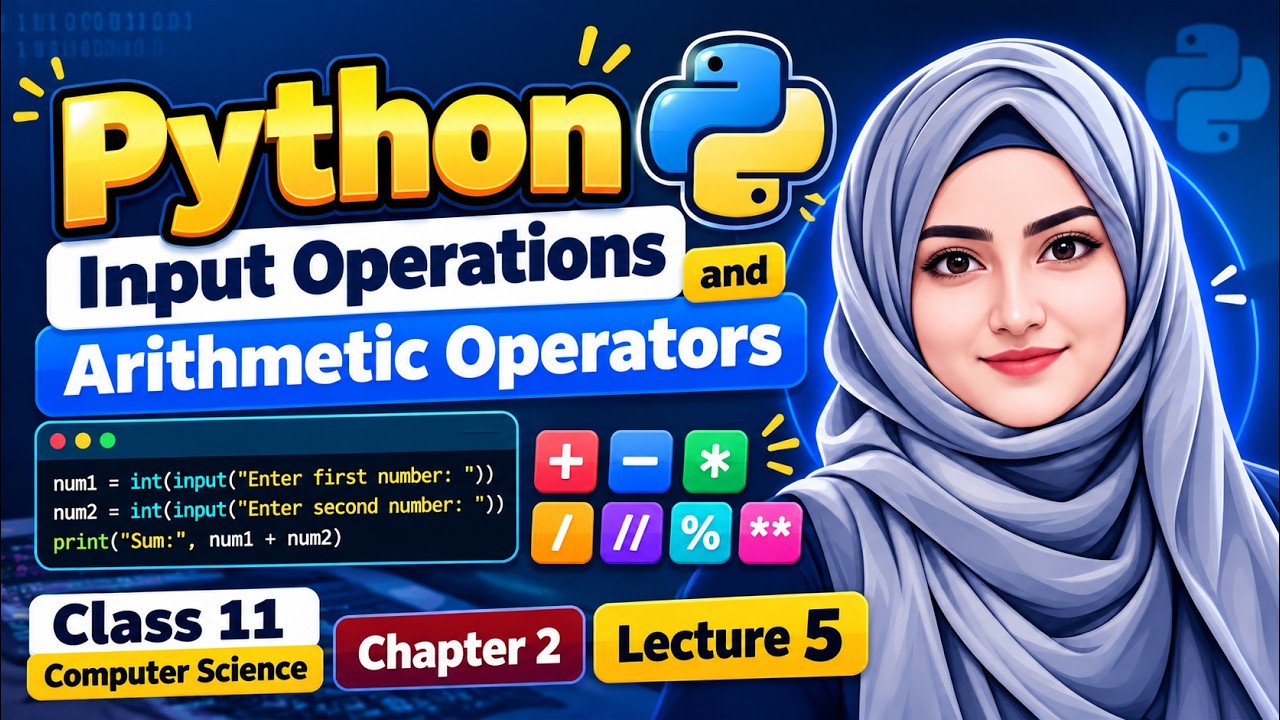
13m 24s
ProgrammingPython
Python Input Operations & Arithmetic Operators | 11th Computer Science | Chapter 2 | Lecture 5
🐍 **Python Input Operations & Arithmetic Operators | Class 11 Computer Science | Chapter 2 | Lecture 4** Welcome to **RayTech Institute!** 💻 In this lecture, we will learn how to take **user input in Python** and perform **arithmetic operations** using practical programming examples. This tutorial is specially designed for **11th Class Computer Science students**, beginners, and students preparing for board examinations. 📚 **Topics Covered in This Lecture:** ✅ Introduction to Python Input Operations ✅ Python `input()` Function ✅ Taking User Input from the Keyboard ✅ Integer Input Using `int()` ✅ Float Input Using `float()` ✅ Type Conversion in Python ✅ Addition Operator (`+`) ✅ Subtraction Operator (`-`) ✅ Multiplication Operator (`*`) ✅ Division Operator (`/`) ✅ Floor Division Operator (`//`) ✅ Modulus Operator (`%`) ✅ Exponentiation Operator (`**`) ✅ Practical Python Programs with User Input 💻 **Python Programming Example:** ```python num1 = int(input("Enter first number: ")) num2 = int(input("Enter second number: ")) print("Addition:", num1 + num2) print("Subtraction:", num1 - num2) print("Multiplication:", num1 * num2) print("Division:", num1 / num2) print("Floor Division:", num1 // num2) print("Modulus:", num1 % num2) ``` *Note: The second number must not be zero for division, floor division, or modulus.* 🎯 **What You Will Learn** By the end of this lecture, you will understand how Python handles input values, how to convert strings into integers and floats, and how to perform mathematical calculations using arithmetic operators. This lecture is useful for: 📌 11th Class Computer Science Students 📌 Python Programming Beginners 📌 Board Exam Preparation 📌 Practical Programming Exercises 🔔 **Subscribe to RayTech Institute** for more lectures on Python Programming, Computer Science, Artificial Intelligence, and practical coding. **Learn. Understand. Apply.** 🔎 **Search Keywords:** Python input operations, Python arithmetic operators, Python input function, int and float in Python, Python type conversion, Python addition and subtraction, Python multiplication and division, floor division in Python, modulus operator in Python, Python programming for beginners, Class 11 Computer Science, 11th Computer Chapter 2, Python Lecture 4, Python practical programs, Punjab Board Computer Science. **#Python #PythonProgramming #PythonInput #ArithmeticOperators #Class11 #11thComputerScience #ComputerScience #PythonForBeginners #PythonTutorial #Chapter2 #BoardExamPreparation #RayTechInstitute**
View Details→

7m 54s
ProgrammingPython
Python Input Operations | User Input in Python | 11th Computer - Ch 2 - Lec 4
Learn how to take user input in Python and perform arithmetic operations in this beginner-friendly 11th Class Computer Science – Chapter 2, Lecture 4. This lecture explains the Python input() function, integer input using int(), variables, type conversion, and basic mathematical operations with practical examples. You will learn how Python accepts input from the keyboard, why input() returns a string, and how int() is used when we want to perform calculations with integer values. 📚 Topics Covered - Python input() function - Taking input from the user - Storing input in variables - Integer input using int() - Type conversion in Python - Addition + - Subtraction - - Multiplication * - Division / - Floor Division // - Modulus % - Simple input/output programs - Taking two integers and performing calculations - Practice programs for board exam preparation 💻 Simple Python Example num1 = int(input("Enter first number: ")) num2 = int(input("Enter second number: ")) sum = num1 + num2 print("Sum =", sum) In this example, input() takes values from the user, int() converts them into integer data type, and the + operator adds the two numbers. This lecture is useful for 11th Class Computer Science students, Python beginners, and students preparing for board examinations. Subscribe to RayTech Institute for more lectures on Python Programming, Class 11 Computer Science, practical coding, and board exam preparation. Search Keywords: Python input function, input in Python, Python arithmetic operators, Python input and output, integer input in Python, int function Python, Python addition program, Python user input, arithmetic operations in Python, Python programming for beginners, 11th class computer science Python, class 11 computer science chapter 2, Python chapter 2 lecture 4, 11th computer Python, Python practical programs, board exam computer science #Python #PythonProgramming #PythonInput #ArithmeticOperators #PythonForBeginners #11thClassComputerScience #Class11 #ComputerScience #LearnPython #BoardExam #RayTechInstitute
View Details→
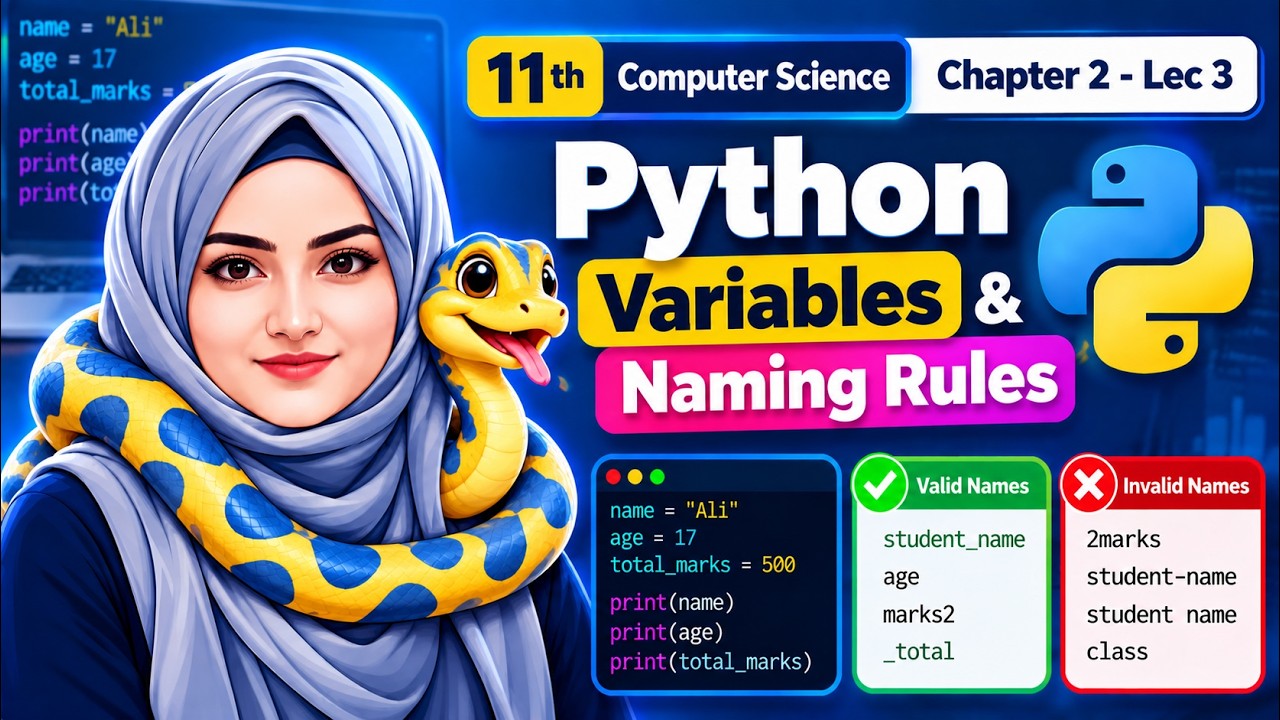
12m 52s
ProgrammingPython
Python Variables & Naming Rules | 11th Computer Science - Ch 2 - Lec 3
earn Python Variables and Variable Naming Rules in this beginner-friendly 11th Class Computer Science – Chapter 2, Lecture 3. This lecture explains what variables are, how values are assigned to variables in Python, and the important rules you must follow when choosing variable names. This video is especially useful for 11th Class Computer Science students, board exam preparation, and beginners learning Python programming. 📚 Topics Covered: - What is a Variable in Python? - Creating Variables in Python - Assigning Values to Variables - Variable Naming Rules - Valid and Invalid Variable Names - Using Letters, Numbers, and Underscores - Why a Variable Name Cannot Start with a Number - Python Keywords and Variable Names - Case Sensitivity in Python - Meaningful Variable Names - Practical Python Examples - Important Concepts for Board Exams 💻 Example: name = "Ali"age = 17total_marks = 500print(name)print(age)print(total_marks) ✅ Valid Variable Names: student_name age marks2 _total ❌ Invalid Variable Names: 2marks student-name student name class Understanding variable naming rules is essential because incorrect variable names can cause syntax errors, while clear and meaningful names make programs easier to understand and maintain. Subscribe to RayTech Institute for more 11th Class Computer Science, Python Programming, coding tutorials, practical examples, and board exam preparation. Search Keywords: Python variables, variables in Python, Python variable naming rules, variable naming conventions Python, valid and invalid variable names, Python variables for beginners, 11th class computer science Python, class 11 computer science chapter 2, Python chapter 2 lecture 3, Python programming class 11, Python variables with examples, 11th computer Python, board exam computer science #Python #PythonVariables #PythonProgramming #VariableNamingRules #11thClassComputerScience #ComputerScience #Class11 #LearnPython #PythonForBeginners #BoardExam #RayTechInstitute
View Details→
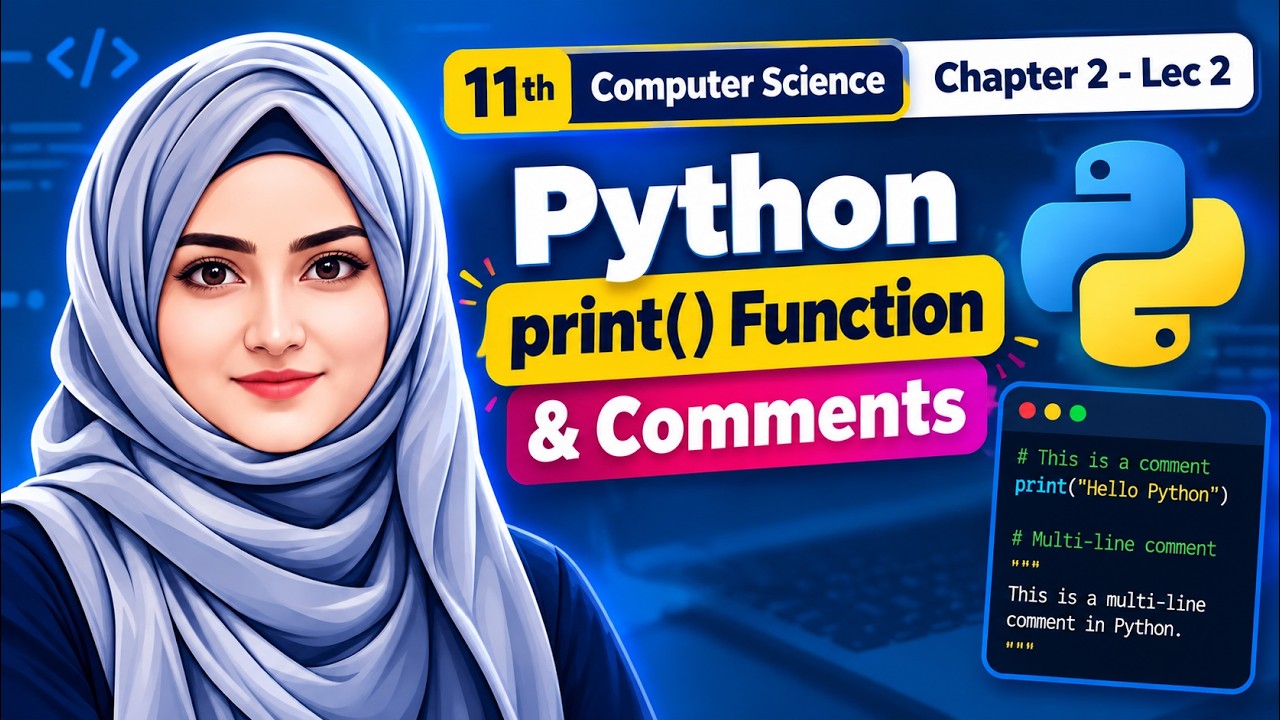
10m 26s
ProgrammingPython
Python print() Function & Comments | 11th Computer Science - Ch 2 - Lec 2
Learn the Python print() function and Python comments in this beginner-friendly 11th Class Computer Science – Chapter 2, Lecture 2. This lecture explains how to display output in Python and how comments are used to make programs easier to read and understand. In this lecture, we cover the syntax of the print() function, parentheses, quotation marks, strings/messages, single-line comments using #, and multiline comments/triple quotes with simple Python examples. The concepts are explained with a focus on Class 11 Computer Science and board exam preparation. 📚 Topics Covered: - Python print() Function - Syntax of print() - Displaying Text and Messages - Parentheses and Quotation Marks - Strings in Python - Python Comments - Purpose of Comments - Single-Line Comments using # - Multiline Comments / Triple Quotes - Practical Python Examples - Important Board Exam Concepts 💻 Example: # This is a Python commentprint("Welcome to Python Programming") Output: Welcome to Python Programming This lecture is useful for 11th Class Computer Science students, Python beginners, and students preparing for board examinations. Subscribe to RayTech Institute for more lectures on Python Programming, 11th Class Computer Science, practical coding, and board exam preparation. Search Keywords: Python print function, Python comments, print function in Python, comments in Python, single line comment in Python, multiline comments in Python, Python programming for beginners, 11th class computer science, class 11 computer science Python, 11th computer chapter 2, Python chapter 2 lecture 2, Python print statement, Python syntax, board exam computer science #Python #PythonProgramming #PythonComments #PrintFunction #11thClassComputerScience #Class11 #ComputerScience #PythonForBeginners #BoardExam #RayTechInstitute
View Details→
10m 59s
ProgrammingPython
Basic Python Synatx & Structure | Python Comments | 11th Computer - Ch 2 - Lec 1
In this lecture, you will learn how a basic Python statement is structured, how the print() function works, how parentheses and quotation marks are used, what strings are, and how to write single-line and multiline comments in Python. python and Visual Studio Code Setup link:https://www.youtube.com/watch?v=DenGlHi9YQ8&t=49s 📚 Topics Covered: - Introduction to Python Programming - Basic Python Syntax and Structure - Python Statements - print() Function in Python - Parentheses and Quotation Marks - Strings and Messages - Python Comments - Single-Line Comments using # - Multiline Comments / Triple Quotes - Simple Python Code Examples - Important concepts for 11th Class board exams 💻 Example Python Code: # This is a single-line comment print("Hello Python") This lecture is especially helpful for 11th Class Computer Science students, beginners learning Python, and students preparing for board examinations. Watch the complete lecture and practice the examples along with the video to strengthen your Python programming concepts. Subscribe to RayTech Institute for more lectures on 11th Class Computer Science, Python Programming, Programming Fundamentals, practical coding, and board exam preparation. Search Keywords: 11th class computer science chapter 2, class 11 computer science python, basic python syntax and structure, python comments, python comments in Urdu, python programming for beginners, python syntax for beginners, python print function, single line comment in python, multiline comments in python, 11th computer chapter 2, python class 11, computer science 11th class, Python lecture 1, board exam computer science, learn python programming #Python #PythonProgramming #PythonSyntax #PythonComments #11thClass #ComputerScience #Class11ComputerScience #LearnPython #PythonForBeginners #BoardExam #RayTechInstitute
View Details→

9m 13s
Development ToolsVS Code & Python
How to Run Python in Visual Studio Code on Windows| Run Your First Python Code
🐍 **How to Run Python in Visual Studio Code on Windows | Run Your First Python Code** Welcome to **RayTech Institute!** 🚀 In this beginner-friendly tutorial, you will learn how to run Python code in **Visual Studio Code (VS Code) on Windows**. We will walk through the process of setting up Python, configuring VS Code, and running your first Python program step by step. Whether you are a beginner learning Python programming or a student starting your journey in computer science, this tutorial will help you get started with Python development. 📚 **What You Will Learn in This Video:** ✅ How to run Python in Visual Studio Code ✅ How to open a Python file in VS Code ✅ How to write your first Python program ✅ How to run Python code on Windows ✅ How to execute a sample Python program ✅ Understanding the Python output in VS Code 💻 **Sample Python Code:** ```python print("Hello, World!") print("Welcome to Python Programming") ``` 🎯 **Who Is This Tutorial For?** * Python programming beginners * Computer Science and IT students * Students learning Visual Studio Code * Anyone who wants to run Python programs on Windows 📌 **Subscribe to RayTech Institute** for tutorials on: 💻 Computer Science & Information Technology 🐍 Python Programming 🤖 Artificial Intelligence & Machine Learning 🧬 Bioinformatics & Data Analysis 📊 Research & Programming Tutorials 🎓 Learn. Understand. Apply. 👍 If this tutorial helps you, **Like, Share, and Subscribe** to RayTech Institute! #Python #PythonProgramming #VisualStudioCode #VSCode #PythonForBeginners #CodingForBeginners #Programming #Windows #RayTechInstitute
View Details→
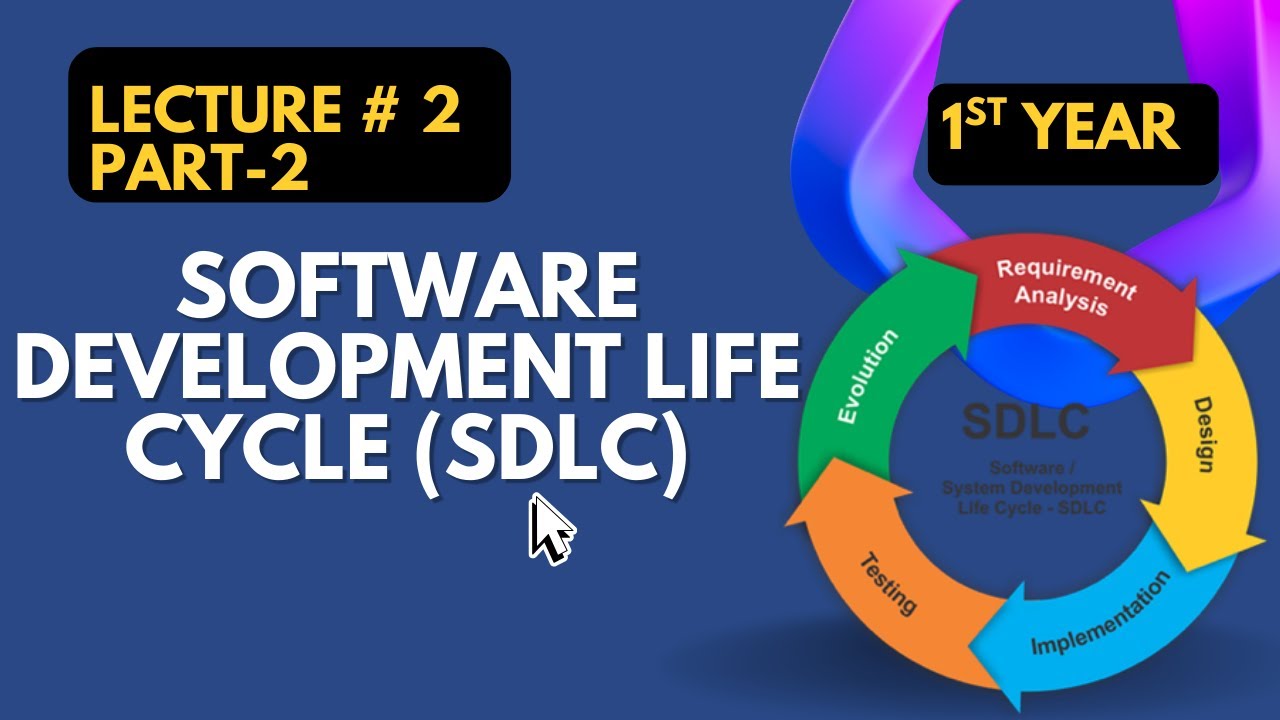
24m 17s
Computer ScienceSoftware Engineering
SDLC (Software Development Life Cycle) | part 2 - Chapter # 1 - 1st year computer science
In this video, we’ll give you a quick and simple explanation of SDLC - what it is, why it’s important, and the steps developers follow to turn an idea into working software. Whether you're a student, a tech enthusiast, or just curious, this is the perfect place to start. Let’s begin!"
View Details→

12m 51s
Computer ScienceSoftware Engineering
SDLC (Software Development Life Cycle) | lecture #1 - Chapter # 1 - 1st year computer science
Development Life Cycle, or SDLC. In this video, we’ll give you a quick and simple explanation of SDLC - what it is, why it’s important, and the steps developers follow to turn an idea into working software. Whether you're a student, a tech enthusiast, or just curious, this is the perfect place to start. Let’s begin!"
View Details→

4m 13s
Computer ScienceCurriculum Guide
11th class computer paper new pairing scheme 2025 | computer new pairing scheme first year 2025
📚 11th Class Computer Science Paper Pairing Scheme 2025 Get the latest updated pairing scheme for Computer Science (1st Year) as per the 2025 board pattern! 🔥 This video includes: ✅ Chapter-wise MCQs distribution ✅ Short & Long Questions scheme ✅ Smart preparation strategy 🎯 Best for Punjab Boards – BISE Lahore, Multan, Faisalabad & more! 📌 Watch now and prepare smartly for your board exams! #1stYearComputer #PairingScheme2025 #ComputerScience #11thClass #BoardExamTips #PunjabBoards
View Details→

7m 06s
Computer ScienceFoundations
what is computer ? first year computer science lecture in Urdu | chapter 1 lecture 01
what is computer ? first year computer science lecture in Urdu | chapter 1 lecture 01. A computer is an electronic device that processes data and performs tasks based on instructions (programs). It can store, retrieve, and manipulate data, making it essential for tasks like browsing the internet, running software, and playing games. Modern computers come in many forms, from desktops to laptops and smartphones.
View Details→

4m 21s
Computer ScienceCurriculum Guide
Pairing Scheme 2nd year computer Science |Year 2025| 12 Class Punjab Board
📢 Attention 12th Class Students! Struggling to prepare for your Computer Science (Part-II) exams? This video covers the official 2025 Pairing Scheme of 12 class to help you score maximum marks with smart preparation! 📋 What’s Inside? ✅ Chapter-wise MCQ Distribution (Which chapters have the most weight?) ✅ Short Questions Breakdown (How many from each chapter?) ✅ Long Questions Strategy (Which chapters to focus on?)
View Details→

7m 51s
ProgrammingC / C++
How to run/display C++ program | Complete Beginner's Guide | Tutorial # 2
Welcome to this complete beginner's guide -friendly tutorial on how to display a message in C++! 🎉 In this video, you will learn: ✅ How to create file in C++ environment. ✅ The basics of the #include directive and iostream library. ✅ How to use the std::cout statement to display messages. ✅ Practical examples and step-by-step explanations to help you get started. Whether you're new to programming or just starting with C++, this video will give you a clear and simple explanation. Perfect for beginners!
View Details→

9m 46s
ProgrammingC / C++
Introduction to C++ Programming Language | Complete Beginner's Guide | Tutorial # 0
Basic Structure of C++: https://www.youtube.com/watch?v=U7bHAlNKlS4&t=13s C++ is a high-level, general-purpose programming language that provides a perfect blend of power and simplicity. Developed by Bjarne Stroustrup in 1983 as an enhancement to the C language, C++ introduced new concepts like Object-Oriented Programming (OOP) while retaining the efficiency and flexibility of C. C++ is widely known for its versatility and performance, making it suitable for a range of applications such as system programming, game development, real-time simulations, and software development. It is a compiled language, meaning the code you write is converted into machine code, enabling faster execution.
View Details→

6m 59s
ProgrammingC / C++
Basic Structure of C++ Programs | Complete Beginner's Guide | Tutorial # 1
Unlock the foundations of C++ programming with this beginner-friendly tutorial! 🚀 Learn about the basic structure of a C++ program, including: ✔️ Headers and Preprocessor Directives ✔️ Main Function and its importance ✔️ Input/Output Statements ✔️ Understanding comments and syntax ✔️ Tips for writing clean and efficient code Perfect for students and anyone starting their coding journey. 🎓 Whether you're preparing for an exam or diving into C++ programming, this video will help you build a solid foundation. 🔔 Don't forget to like, share, and subscribe for more programming tutorials and tips! #Cplusplus #ProgrammingBasics #LearnC++ #CodingForBeginners #C++Tutorial
View Details→

4m 37s
Development ToolsCLion IDE
how to install and setup Clion for C/C++ Applications
In this video, we'll walk you through the entire process of installing and setting up CLion - a powerful Integrated Development Environment (IDE) for C and C++ programming. Whether you're new to CLion or just need a refresher, this tutorial will help you get up and running with your C/C++ projects in no time. What you'll learn in this video: How to Download and Install CLion: We’ll cover downloading CLion for Windows, macOS, and Linux. Setting Up Your Development Environment: Install essential tools like CMake, GCC, and GDB. Configuring CLion for C/C++ Development: Customize the IDE settings for an optimal coding experience. Creating Your First C/C++ Project: Learn how to start a new project and configure your first C/C++ build. Troubleshooting Common Installation Issues: Tips and fixes for any setup problems you might encounter. By the end of this video, you’ll be equipped to start developing C and C++ applications with CLion efficiently. So, if you're ready to take your coding to the next level, let's dive in! Don't forget to like, subscribe, and hit the notification bell so you never miss out on future programming tutorials!
View Details→
17m 06s
WebHTML Fundamentals
Lecture 1| HTML Tutorial for beginners| Elements| Attributes| Headings and Paragraphs
Welcome to our HTML tutorial series for beginners! In this video, we dive into the basics of HTML, the foundational language of the web. You'll learn: What is HTML? A brief introduction to the language that structures web pages. HTML Elements: Understanding the building blocks of HTML, including tags, nesting, and structure. HTML Attributes: How to add additional information to elements, like styling, linking, and more. Whether you're a complete beginner or looking to brush up on your skills, this video will give you a solid foundation in HTML. Don't forget to like, subscribe, and hit the notification bell for more web development tutorials! How to download and install VS code:
View Details→
4m 22s
Development ToolsVS Code
How to download and install visual studio code on windows | Step-by-Step guide
Welcome to our tutorial on how to download and install Visual Studio Code on Windows! Visual Studio Code (VS Code) is a powerful, open-source code editor that is highly customizable and packed with features for all types of developers. In this step-by-step guide, we'll walk you through the entire process, from downloading the installer to setting up your development environment.
View Details→
9m 28s
Computer ScienceDigital Logic
logic gates : types of log gates : A Beginner's Guide
Description: Welcome to our comprehensive guide on logic gates! Whether you're a student, an electronics enthusiast, or someone interested in learning the basics of digital circuits, this video is for you. In this video, we’ll cover: 🔹 Introduction to Logic Gates: What are logic gates and why are they important in digital electronics? 🔹 Types of Logic Gates: AND Gate OR Gate NOT Gate NAND Gate NOR Gate XOR Gate XNOR Gate 🔹 Truth Tables: How to construct and interpret truth tables for different logic gates.
View Details→

2m 39s
ProgrammingC / C++
Introduction to C++ programming Language / C++ Tutorial for Beginners
Welcome to our comprehensive C++ programming language course! 🚀 Are you ready to embark on a journey into the world of powerful, efficient, and versatile C++ programming? In this video, we're introducing our in-depth C++ programming course/ C++ tutorial designed for beginners and aspiring developers. Whether you're looking to build a strong foundation in coding, advance your career, or dive into the world of software development, this course is for you!
View Details→
Help with studying and results
How should I use notes, MCQs and past papers together?
Read one chapter and make a short summary. Attempt its MCQs without looking at the answers, review mistakes, then practise related past-paper questions with your textbook.
Can I change an answer before submitting the quiz?
Yes. Use Previous to return to a question and select a different answer. Correct answers and explanations are shown after you finish the attempt.
Which syllabus should I follow?
Use the textbook and examination syllabus assigned by your college and board for your current session. Check the class, chapter and year before using an older resource.
Where can I check my 1st-year result?
Use the board name on your roll-number slip to find its official website in our result guide. RayTech does not issue marks or ask you to submit a roll number.
Languages & Software Tools
Technologies, programming languages, and IDEs covered in the syllabus and practical labs.
Programming Languages
- PythonPython 3.x
- CANSI C / C99 Standard
- C++ISO/IEC C++ Standard
Web Development
- HTMLW3C / WHATWG HTML5
IDEs & Compilers
- Visual Studio CodeMicrosoft VS Code (Windows x64)
- CLionJetBrains CLion IDE + MinGW Toolchain
100% Free In-Browser Compiler
Live Python WebAssembly Compiler
Run Python 3 scripts, loops, lists, and Board practical syllabus code instantly inside your browser without installing anything on your computer or phone.
RayTech Institute
Subscribe on YouTube for new computer science video lectures and board updates.
@RaytechInstitute
Have Questions or Need Notes? Contact Us
Fill out the form below for syllabus guidance, suggestions, or video request.