
BSNL Guide: Selfcare, Bills, Recharge Records and Support
Use official BSNL selfcare routes, check bills and recharge records, distinguish Wi-Fi from mobile service and prepare a clear support enquiry.
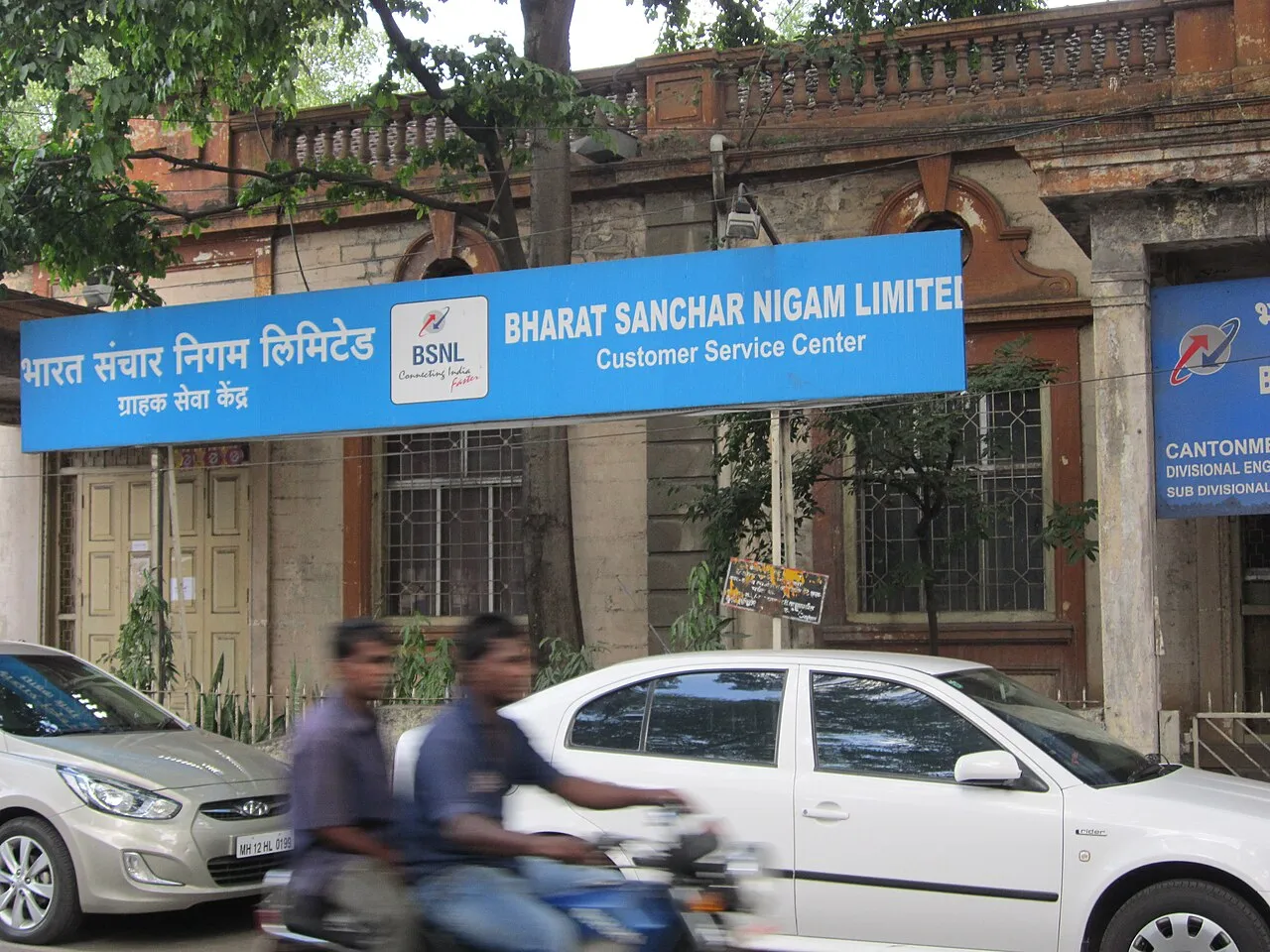
BSNL customers should distinguish the service they use before choosing a support or selfcare route. A mobile connection, a landline and a home broadband service can involve different account details and troubleshooting steps. Start with the provider's official website or its linked service, then identify the account and task you actually need.
This guide explains selfcare, bills, recharge records, coverage and common connection questions. Information was checked on 5 November 2026. It does not quote a universal current tariff, promise coverage at a particular address or collect credentials. Those matters require the relevant official service and the customer's own account information.
What does BSNL selfcare help with?
Official BSNL materials describe services including recharge, bill payment, complaint registration and tracking, and account management. Which options appear can depend on the service and interface you use. Read the current menu rather than assuming that an older screenshot still describes every step.
The official web selfcare route is linked with BSNL's services. Begin from a known provider address and verify any redirection before entering details. A third-party page using the same colours or a familiar logo is not automatically operated by the company.
Keep a clear purpose: checking a bill, reviewing an active plan, reporting a fault or applying for a service. Completing one of those actions does not necessarily complete another. A payment confirmation, for example, is not the same as a complaint being resolved.
Mobile service and home broadband are different
A mobile connection receives service through the mobile network. A home broadband connection uses its own access arrangement and may share connectivity through a router. The presence of Wi-Fi on a phone does not establish that the phone's mobile-data service is being used.
When asking for help, say which connection is involved and whether the problem affects one device or several. A laptop connected to the home router and a phone using mobile data may be testing different services even when they are in the same room.
This distinction also affects account information. Use the identifier requested by the appropriate official service. Do not guess which number belongs to which account, and do not submit an unrelated identity document to a private site because it promises to locate everything automatically.
How should I verify the official application?
Follow the application link from BSNL's official information and check the publisher in the relevant store. The official application listings describe selfcare functionality, but a similar name alone does not establish that another application is the same product.
Read permissions in relation to the task. A support enquiry should not become a reason to give an unknown developer unrestricted access to your device. Be particularly cautious with applications sent as files through messages rather than reached through the provider's confirmed route.
If the provider updates or replaces an interface, use its current instructions. Do not assume that an old application's behaviour establishes what a newer service will do. Equally, an application failing once does not prove that an unofficial replacement has become authorised.
Check the account before making a payment
Compare the service type, account reference and customer information shown. Households sometimes manage several connections, and paying the wrong one can create a problem even when the transaction itself succeeds. The correct provider name is not enough if the account details do not match.
For a bill, read the period, current charges, previous balance and due date. A larger total may involve an earlier unpaid amount or a listed adjustment rather than a simple change to the recurring charge. Identify the component before deciding what needs to be queried.
Do not publish the full bill to ask a general question. It can disclose an address or account reference. Describe the relevant entry and redact unnecessary details if an image is needed for an appropriate private support conversation.
A recharge and a plan benefit are not the same record
A recharge receipt records a transaction. The plan or account display describes the benefits and validity currently applied. If the expected benefits do not appear, compare the selected product, account and transaction status rather than assuming every successful payment purchases the same service.
Read the current plan terms, including validity, allowances and any applicable conditions. A headline price or a friend's experience is not enough to establish that a particular offer applies to your account. Save the actual offer or order confirmation used at the time.
Avoid copying a tariff from an undated social-media graphic. Plans can change, and different products can have similar names. This guide deliberately does not publish a supposedly universal current price that could be wrong for the service or period involved.
Save a useful transaction record
Retain the amount, date, account reference and payment-provider transaction reference. Store the record privately. If the provider supplies its own confirmation or order number, keep that too; the two references can help trace different stages of a transaction.
A screenshot showing only an amount is less useful than a complete receipt with a reference. Likewise, a banking notification and the final merchant status can describe different stages. Read whether a transaction is completed, pending, reversed or failed before deciding the next action.
Do not repeatedly pay while the first transaction is uncertain. Check its status through the official payment route and provider. A duplicate payment can create an additional issue without resolving the reason the original account update has not appeared.
What if a payment is not reflected?
Compare the account identifier on the receipt with the intended connection, then check the payment provider's status. A completed transaction to the wrong identifier is a different problem from a failed transaction or an account display that has not updated.
Use the relevant official support channels with a short factual sequence. State when payment was made, what reference was supplied and what the account currently shows. Keep private details within the authorised enquiry instead of placing them in public comments.
Never share banking passwords, card security codes or OTPs with someone claiming they can manually credit a recharge. A genuine account issue does not make an unexpected caller trustworthy. Open the known bank or provider service independently when verifying a claim.
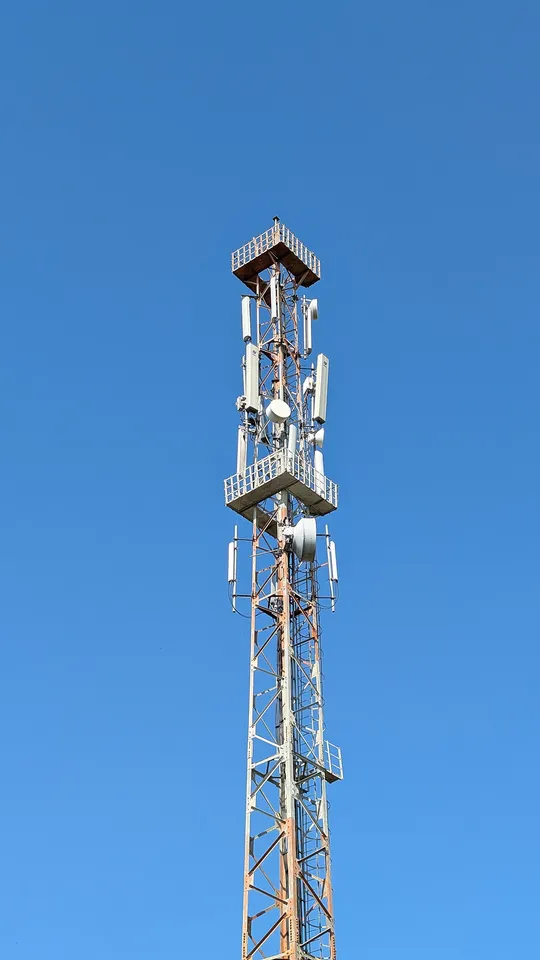
A BSNL 4G tower in Todabhim; this image is not presented as proof of 5G coverage or a particular household’s signal.
Coverage and technology labels need context
Government information describes BSNL's network development, but a rollout announcement is not a guarantee of identical service in every location. Check the provider's current information for the place where you intend to use the connection.
A compatible handset and an appropriate account still need usable network coverage. Indoor conditions can differ from an outdoor demonstration. If a problem occurs only in a particular location, report that pattern instead of treating it as evidence that the entire network is unavailable.
Our mobile-network learning resources explain why signal, transfer speed and application response are different measurements. A label on a phone provides some information, but it cannot diagnose every reason a website or call behaves poorly.
Is the problem Wi-Fi or the wider connection?
If a device is connected to a home router, check whether other devices on that router are affected. A wireless signal can be present even when internet access beyond the router is unavailable. The local connection and the provider's wider service should be investigated separately.
Describe whether the failure affects every website, one application or one device. These observations can help distinguish a local setting from a broader access problem. A single unavailable website is not proof of a provider-wide outage.
Avoid factory-resetting a router without relevant guidance. A reset can remove configuration needed for the service. Distinguish restarting equipment from erasing its settings, and follow the provider's instructions for the actual model and connection.
Read speed tests with their units
A result in megabits per second is not the same as a download application's megabytes per second. In a simplified conversion, eight megabits correspond to one megabyte. Keep the units attached before deciding that one display contradicts another.
Test conditions matter. Other devices, background updates, the test server and the connection method can affect the sample. Record those conditions rather than collecting many unexplained screenshots. A controlled comparison is more useful than repeatedly testing while the workload changes.
Use a measurement to describe the observed result, not to invent a cause. A lower rate can have several explanations. Official support can investigate more effectively when the report identifies the location, service, device and pattern of the problem.
Register a complaint that identifies the issue
Write what failed, when it began and what ordinary checks you performed. For a billing issue, identify the disputed entry or transaction. For a connectivity issue, state which services and devices are affected. These are different investigations and should not be merged into a vague complaint that everything is broken.
Keep the complaint reference and any promised next step. If the issue continues, refer to that record and explain what remains unresolved. Repeated unrelated complaints can scatter evidence instead of producing a clear case history.
When a case is marked resolved, check the actual service or account state. A status change in the complaint system and a successful real-world test are different observations. Report a continuing problem with a fresh, precise description rather than assuming the administrative label proves the technical issue has disappeared.
Keep support access separate from remote control
Do not grant an unexpected caller control of your device because they know a provider's name or some account information. Verify the contact through a route you trust. A familiar logo on a remote-support application is not proof that the caller is authorised.
Be cautious with urgent claims about disconnection or account verification that demand a personal transfer. Check the bill and the provider's actual communication. A real deadline should be supported by the official account record, not only by the pressure applied during a call.
Keep evidence of suspicious messages privately if you need to report them. Do not respond by sharing additional identity documents or verification codes. The immediate aim is to establish who is making the request and whether the requested action belongs to an authentic process.
A household record-keeping example
Create separate headings for account, plan, payment and complaint. Under each, keep the relevant reference and date. Do not put passwords into a document that is shared with every household member or a public group.
Now imagine a payment receipt exists but the plan display is unchanged. Your next question concerns the transaction and application of benefits. If the plan is correct but a device cannot connect, the question concerns access or configuration. The same household can have both issues, but the evidence needed differs.
This small exercise prevents a common mistake: treating every successful action as proof that the whole service is working. A payment can succeed while a fault remains, and a complaint can be registered while the technical investigation has not yet finished.
Questions customers are asking
Before closing a support enquiry, retain the final response and test the original task again. A clear completion record helps distinguish a resolved fault from a new issue that happens to affect the same connection later.
Can this page check my BSNL account?
No. Use the provider's official account service. This independent guide does not require your connection identifier, OTP or payment details. Keep those within the appropriate private official process when an account-specific enquiry needs them.
Does a good Wi-Fi signal prove broadband is working?
No. It describes the local wireless link to the router. Internet access beyond that point can still be unavailable. Check the actual task and compare devices before deciding which part of the route needs attention.
Should I pay again if benefits do not appear immediately?
First check the transaction status and the account used. Retain the reference and ask the relevant official service about the discrepancy. Repeating an uncertain payment can produce a duplicate rather than resolving the original issue.
Is every plan shown online available to my account?
Do not assume so. Read the current terms for the specific product and service. A familiar price or an offer used by someone else is not proof that the same conditions apply to your connection.
Sources
- BSNL official website
- Official BSNL selfcare portal
- Government information on network development and selfcare
- BSNL-published application listing
Image credits: cover: Aminsayyed, source, CC BY-SA 3.0. Resized and converted to WebP. inline: Rahulsince93, source, CC BY 4.0. Resized and converted to WebP.
Found an error or an outdated detail? Report a correction with the article URL and original source.