
Cloud Gaming Explained: Browser Play, Latency and the Client-Server Model
Learn how cloud gaming works, why latency differs from bandwidth and how to investigate browser, controller and connection symptoms step by step.
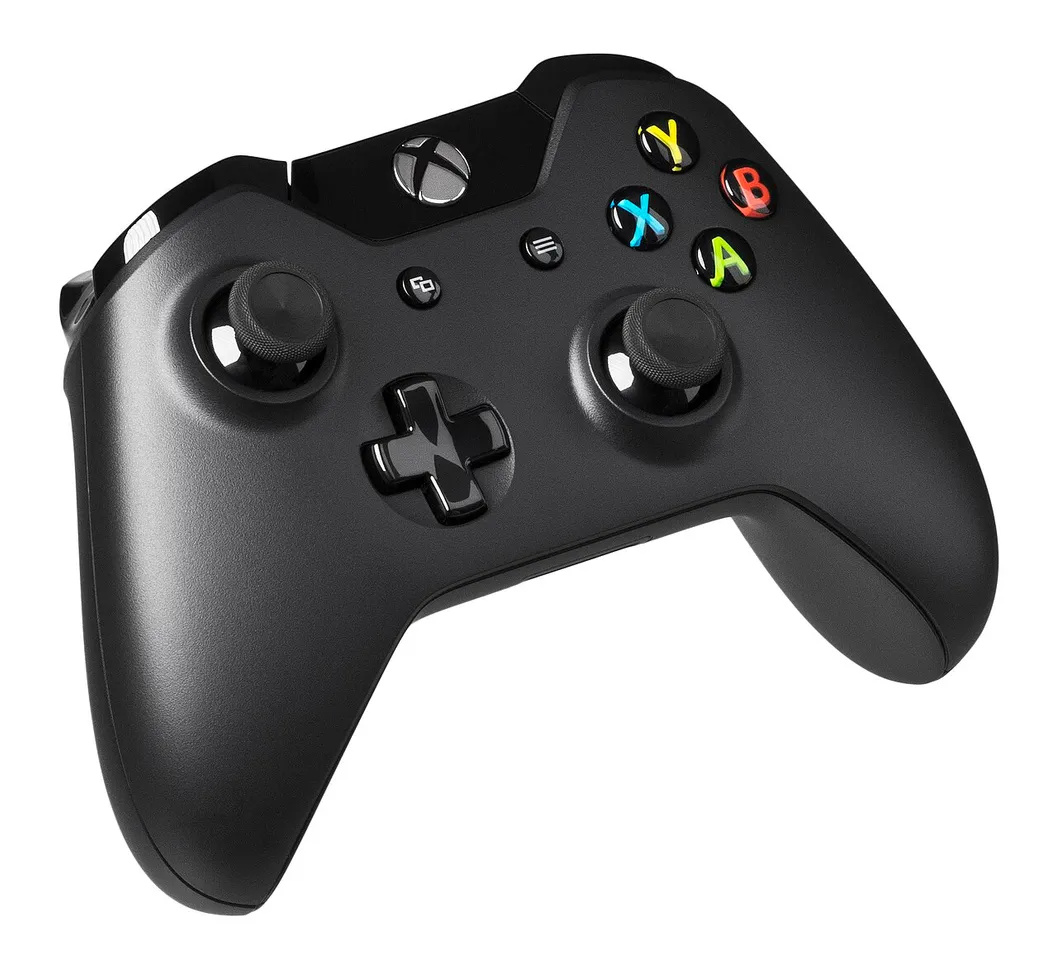
Cloud gaming runs a game on a remote system and streams its audiovisual output to your device while sending your controls back over the network. It differs from downloading a game to run locally. A supported browser can be the front end, but you still need a suitable connection, compatible controls and access to the relevant service and title.
For students, this is a practical way to understand client-server computing. A visible button press becomes a message, a remote system responds and a new frame reaches the display. This guide explains that loop, the difference between bandwidth and latency, and a sensible way to investigate a poor experience without assuming that every problem has the same cause.
What happens after you press a button?
In a simplified cloud-gaming session, your device captures an input and sends it to a remote service. The game processes the input, produces an updated image and sound, and sends an encoded stream back. Your device receives and displays that stream. The visible result therefore depends on more than the graphics hardware inside your own device.
Each stage contributes to the overall experience. Input handling, network travel, remote processing, encoding, decoding and display all take time. A fast connection at one stage cannot make the other stages disappear. Thinking in stages is more useful than assuming a single advertised internet-speed number describes the entire system.
This is a conceptual model, not a claim to know a provider's private infrastructure. Real services use more sophisticated systems and optimisation. The simplified loop is valuable because it gives beginners a place to put each observation: did the input register, did the image arrive smoothly, and did the visible response arrive soon enough?
Browser play does not mean local execution
A browser can display an interactive streamed session without running the full game locally. That distinction explains how a comparatively modest device can provide access to a demanding title through a cloud service. It does not mean the device is doing no work: decoding, input handling and presentation still need suitable support.
Compare the arrangement with a remote desktop. Seeing an application window on your screen does not necessarily mean the application's main processing occurs on your computer. The location of the interface and the location of the computation are separate questions. A browser is a delivery environment, not proof that every calculation happens inside it.
For a classroom diagram, draw three boxes labelled input device, remote game and display. Add arrows for controls going out and the stream coming back. Then add the network between them. This small diagram makes it easier to explain why an interruption can affect play even when the browser itself remains open.
What official Xbox guidance confirms
Microsoft's cloud-gaming page identifies browser-based access and lists supported browser examples, including Edge, Chrome and Safari. Its getting-started guide explains service access, games and device options. Those pages are the appropriate starting point for checking the current requirements of Xbox's offering rather than relying on an old screenshot.
Requirements can differ by device, game, subscription and country. A statement that a service supports browser play should not be expanded into a promise that every browser version, region or account has identical access. Verify the current official listing for the device and title you intend to use.
This article does not recommend a subscription or claim that cloud access is available in every location. It explains the technology. If a provider does not offer a service in your region, that availability condition is separate from whether your computer can display a streamed video or pair with a controller.
Bandwidth and latency answer different questions
Bandwidth concerns how much data can be transferred over time. Latency concerns delay. A connection can carry a large amount of data while still taking an inconvenient time to deliver a small message. Confusing the two leads to the mistaken belief that the largest download-speed number always gives the most responsive interactive experience.
An original analogy is a wide road between two distant towns. Many vehicles may travel along it at once, yet a single journey still takes time. Increasing the road's width does not automatically reduce the distance. The analogy is imperfect, but it separates transfer capacity from travel delay.
For a network notebook, keep speed, delay and stability in different columns. A test of download throughput is useful for one question, while an interactive response problem may involve another. Do not call a connection “perfect” based on one test when the actual issue concerns consistency or response time.
A worked delay example
Imagine a fictional session in which the outbound message takes 20 milliseconds, remote processing and encoding take 25, and the return path and local presentation together take 35. Adding those illustrative stages gives 80 milliseconds. These are invented teaching values, not a measurement of Xbox or a guarantee for any real player.
Now suppose an improvement removes five milliseconds from local presentation. The simplified total becomes 75 milliseconds, not zero. The exercise demonstrates why optimising one stage can help without solving every part of the experience. It also discourages assigning the entire delay to whichever device is most visible.
Be clear about what a real test measures. A network round-trip measurement is not necessarily the same as the complete time between a physical button press and an updated picture. The latter includes other stages. If the measurement and the claim do not describe the same process, the comparison can be misleading even when the arithmetic is correct.
Why consistency matters
A connection that delivers updates at uneven intervals can feel worse than its average speed suggests. Variation in timing and interrupted delivery affect an interactive stream differently from a download that can simply take a little longer. The experience depends on continuity, not only on the eventual arrival of all the data.
Consider two invented sequences of delivery delays. One stays close to a similar value; the other alternates between short delays and long pauses. Their averages could be similar while their perceived smoothness differs. Averages help summarise a record, but they can conceal the pattern that explains a user's complaint.
For a student exercise, draw both sequences as a line chart using clearly fictional numbers. Compare the average with the largest gap and the spread. The exercise teaches why it is useful to retain multiple observations rather than treating one favourable test as a permanent description of the connection.
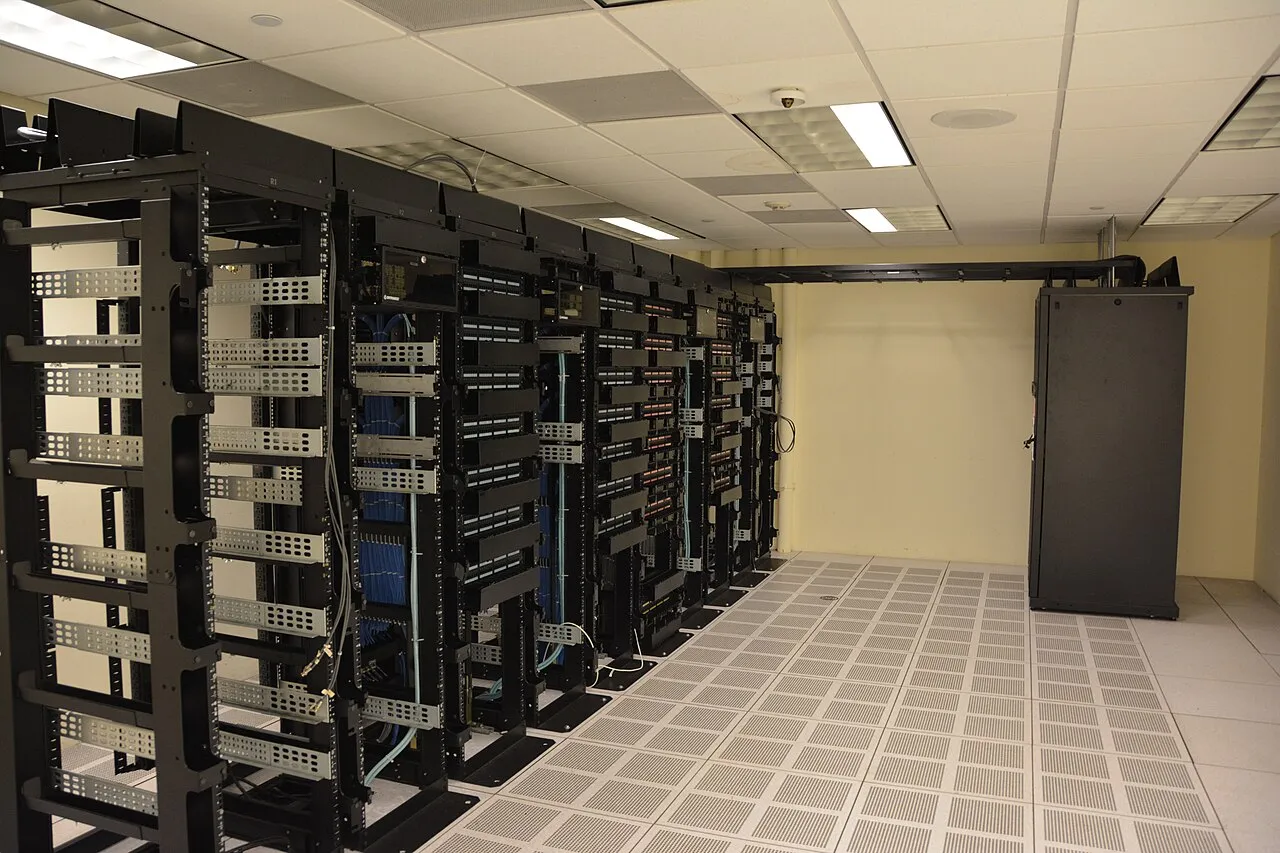
Archive data-centre photograph illustrating remote computing. These racks are not identified as Xbox infrastructure.
The local network can still be the limiting part
The path between your device and the router is part of the overall connection. A crowded wireless environment, distance or local interference can matter even if the internet service itself is capable. A browser-streaming problem should therefore not automatically be blamed on a distant server.
When practical, compare a session under controlled local conditions. Use the same device, service and approximate activity while changing one factor, such as moving closer to the access point. If your device supports a suitable wired connection, it can provide another comparison. These are diagnostic comparisons, not a promise that one arrangement fixes every problem.
Record what changed and what did not. If you change the browser, connection type, controller and game simultaneously, a better result does not identify which change mattered. One-factor comparisons produce less dramatic stories but more useful evidence.
A slow-looking game may have several different symptoms
Separate input delay, image blur, freezing, audio interruptions and account errors. They do not necessarily share a cause. An account-access message calls for checking the service and entitlement, while a moving picture with delayed controls suggests a different investigation. Describing the symptom accurately is the first useful troubleshooting step.
Use a short observation note: what happened, when it began, which device and browser were involved, and whether the official service reported a problem. Avoid sharing account tokens, private diagnostic identifiers or full personal screenshots in a public discussion. A useful report rarely needs to expose those details.
If the provider supplies an official status or support page, use it to check known conditions before making sweeping changes. Do not repeatedly install unrelated “optimisers” because a forum promises an instant fix. A change is more defensible when its purpose matches the symptom and the relevant official guidance.
Controllers, touch and browser support
Different titles and devices can offer different input options. Touch support for one game does not prove that every game can be played comfortably without another controller. The official title and device requirements should determine expectations. A browser successfully loading the landing page is not the same as a complete supported play session.
Check basic input behaviour separately from network responsiveness. Confirm that the intended control is recognised and that its buttons map as expected. A pairing or focus issue can look like unresponsive play even when the stream itself is arriving normally. Keeping these tests separate helps narrow the problem.
For a classroom demonstration, describe the difference between pressing a key while the game area has focus and pressing it while another interface element is active. The concept is familiar from ordinary web applications and illustrates why interface state matters alongside network performance.
Cloud gaming and downloads solve different problems
Downloading normally places game data on the local device, after which the local system performs the work required by that version. Cloud gaming relies on a continuing interactive stream. The arrangements therefore differ in storage needs, hardware requirements and dependence on a continuous suitable connection.
Neither approach is universally better. A comparison should name the user's circumstances rather than declaring a winner for everyone. Existing hardware, available connectivity, title access and regional service conditions affect the practical choice. This guide explains the categories without turning a technical lesson into a purchasing instruction.
It is also possible for a platform to offer several delivery options. Do not assume that ownership, a subscription or a cloud listing grants every possible version on every device. Entitlements are specific to the service's current terms and catalogue. Verify the option you actually intend to use.
Account safety belongs in the setup
Use the official service and sign-in route. A page promising free access in exchange for credentials is not made trustworthy by copying a game logo. Check the address and avoid sending passwords, recovery codes or session information to third parties offering to configure the service for you.
On a shared device, remember that closing a browser tab may not end every signed-in state. Use the service's appropriate sign-out process and the device's normal privacy controls. Keep account management separate from the networking lesson: a good connection cannot protect an account whose credentials were handed to an unknown site.
Students can study the client-server model without buying a subscription or signing into a real gaming account. A diagram, a fictional timing table and a small local web demonstration are enough to learn the main concepts. Practical learning should not require disclosing personal information.
Turn this into a computing lesson
Build a table listing each stage of the simplified loop and the kind of work performed there. Then create a fictional delay budget and explain the sum. Change one value and recalculate. Finally, write what your model leaves out. This makes assumptions visible rather than presenting a small example as a complete engineering simulation.
For another exercise, compare a delayed message, an unavailable service and an unrecognised input. Ask which evidence would help distinguish them. The questions train students to investigate systems rather than immediately blaming the browser or connection for every failure.
Further reading is available through the RayTech educational guides. Cloud gaming is useful classroom context because it brings together networking, user interfaces and remote computation in one visible experience. Understanding those layers is a transferable skill even for students who never intend to use a gaming service.
Common questions
Does cloud gaming run the whole game on my computer?
The remote service performs the main game execution in the cloud-gaming model described here, while your device handles inputs and the delivered stream. It still needs compatible software and adequate local resources for its part of the process. Browser access does not remove every device requirement.
Is download speed the only important factor?
No. Delay, variation, local connectivity, device support and service conditions also matter. A single throughput result cannot describe every stage between pressing a button and seeing the response. Match each test to the symptom you are investigating.
Is every game available everywhere?
No universal catalogue or regional-access claim is made here. Check the current official listing, supported region and account requirements. This guide was checked on 12 November 2026 and explains the technology rather than guaranteeing a particular service entitlement.
Sources
Image credits: cover: Evan-Amos, source, Public domain. Resized and converted to WebP. inline: Carl Lender from Sunrise, USA, source, CC BY 2.0. Resized and converted to WebP.
Found an error or an outdated detail? Report a correction with the article URL and original source.