
Xiaomi HyperOS 4: Device Checks, Rollout Information and Update Preparation
Check HyperOS 4 information for your exact Xiaomi, REDMI or POCO model, distinguish stable and test releases, and prepare for updates safely.
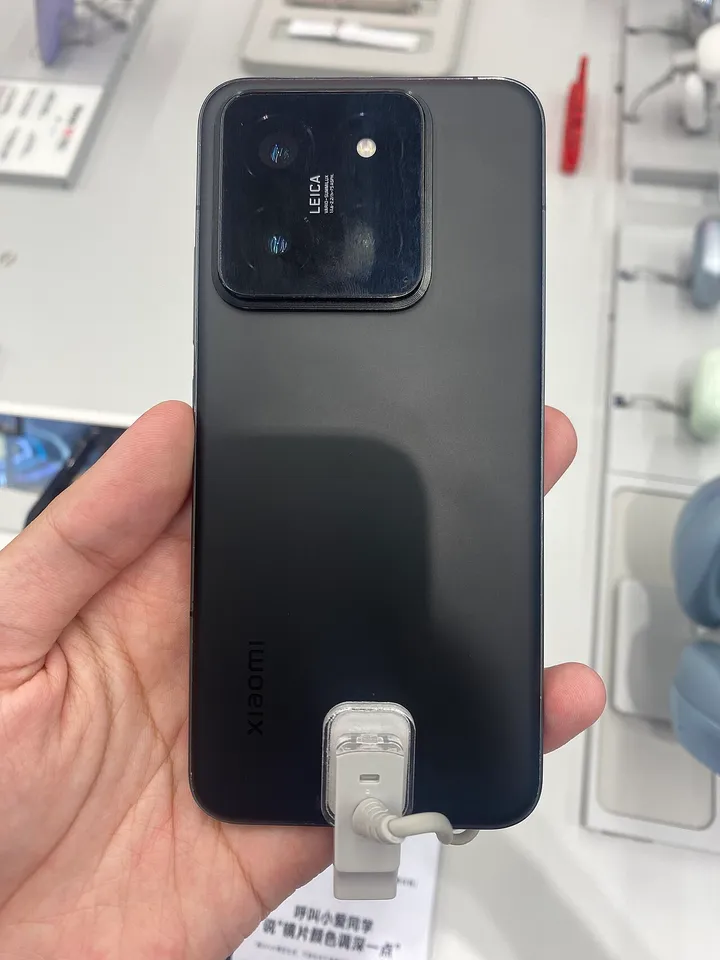
Xiaomi HyperOS 4 is presented on Xiaomi's official global software page, but the name of a release does not establish that it is available for every Xiaomi, REDMI or POCO device. To understand an update, identify your exact model, software branch and the update offered through its supported route. A screenshot from another phone is not a compatibility decision for yours.
This guide was checked on 5 November 2026. It explains official rollout information, stable and test releases, preparation and practical troubleshooting. It does not provide unofficial firmware, recommend changing regions to force an update or promise a delivery date for a particular handset. Current device-specific information takes priority over a general guide.
Where should I check official HyperOS 4 information?
Start with Xiaomi's global HyperOS page and the official support or community route appropriate to your market. The global page distinguishes its audience from Chinese Mainland versions. That distinction matters when reading a feature announcement, an eligibility table or an account of somebody else's installation.
Keep three records together: the official announcement, your device identity and what the updater currently offers. These records answer different questions. The announcement describes the product direction; the identity establishes which hardware and software you have; the updater shows the supported action available to that device at that moment.
Read dates and qualifications surrounding a claim. A page describing a test programme is not automatically a stable-release schedule. A promotional example of a feature is not confirmation that every model, language, region or connected product receives the same implementation. Preserve those limits when sharing information with classmates.
Why is the exact device model important?
Product families can contain several devices with similar names. Write down the complete name rather than shortening it to a familiar brand or series. A guide about one model is not automatically suitable for another device that shares most of the name but differs in hardware or market version.
Use the device's own information screen and the manufacturer's support material. Do not infer a model from a case, wallpaper or photograph of the back alone. Accessories can be changed, and visual resemblance does not establish the software package intended for a particular device.
Make a private device note containing the model, installed version and region or branch information displayed by the system. Keep serial numbers and other identifying details out of public posts unless a legitimate support process specifically requires them through an appropriate private channel.
What does a software version identify?
A software label can contain more information than the large release name shown in an advertisement. When requesting help, copy the installed version carefully and describe where it appears. Do not edit a version string to make it resemble an example, because those differences may be the details that explain the situation.
Imagine two learners comparing phones that both display HyperOS. One is describing a test build while the other is using a supported stable branch. Their experiences can differ without either person being dishonest. The useful comparison starts with matching the relevant conditions rather than comparing only the headline name.
Record the date of the comparison too. Rollout information changes, while a screenshot remains fixed. A device that did not show an update yesterday may present different information later. That possibility does not justify predicting when a particular device will receive a package that its official channel has not yet offered.
How are stable releases and testing programmes different?
Testing programmes are intended to gather feedback under their stated participation rules. Xiaomi's official community provides information about its global beta programme. Read those terms before considering participation. Early access should not be interpreted as a guarantee of greater reliability for a phone used for essential daily tasks.
A useful decision worksheet asks what the device is needed for, what would happen if an important application stopped working and whether there is a suitable recovery arrangement. These questions are more informative than deciding solely from the appeal of receiving a new interface earlier than friends.
Do not represent a tester's report as a universal announcement. State that it concerns a particular device and programme. If you cannot establish whether a report concerns a stable or test release, keep that uncertainty visible instead of turning the account into a confident installation instruction for everyone.
Why might updates appear at different times?
The existence of official rollout information does not mean every eligible device receives an identical offer at the same moment. Device, branch and market context must be read together. Use the official schedule's actual wording, including any conditions, rather than replacing a broad period with an invented exact date.
When a friend receives an update first, compare the device identities and release channels before concluding that your phone is broken. Do not repeatedly change unrelated settings in an attempt to make two different devices behave identically. That can make the original situation harder to understand.
If official information and your device appear inconsistent, prepare a concise enquiry. Identify the model, installed version, official statement being considered and the current updater message. This gives support a concrete discrepancy to investigate without requiring you to disclose account credentials in a public discussion.
What should I do before a major update?
Identify irreplaceable material and confirm its recovery arrangements before proceeding. For a student, that may include original recordings, downloaded assignment files and application-specific projects. Knowing that a cloud account exists is not the same as checking that an important document has actually reached its intended storage location.
Read the device's official update guidance and make suitable power, connection and storage arrangements. Choose a time when interruption will not prevent an immediate examination login, journey or important call. Preparation is a practical way to reduce disruption, not a guarantee that any software change is completely risk-free.
Keep a short before-and-after record. Note the installed version and the functions important to your work. After the supported update finishes, test those functions deliberately. A clear baseline makes it easier to distinguish a genuinely new issue from a problem that was already present before the installation.
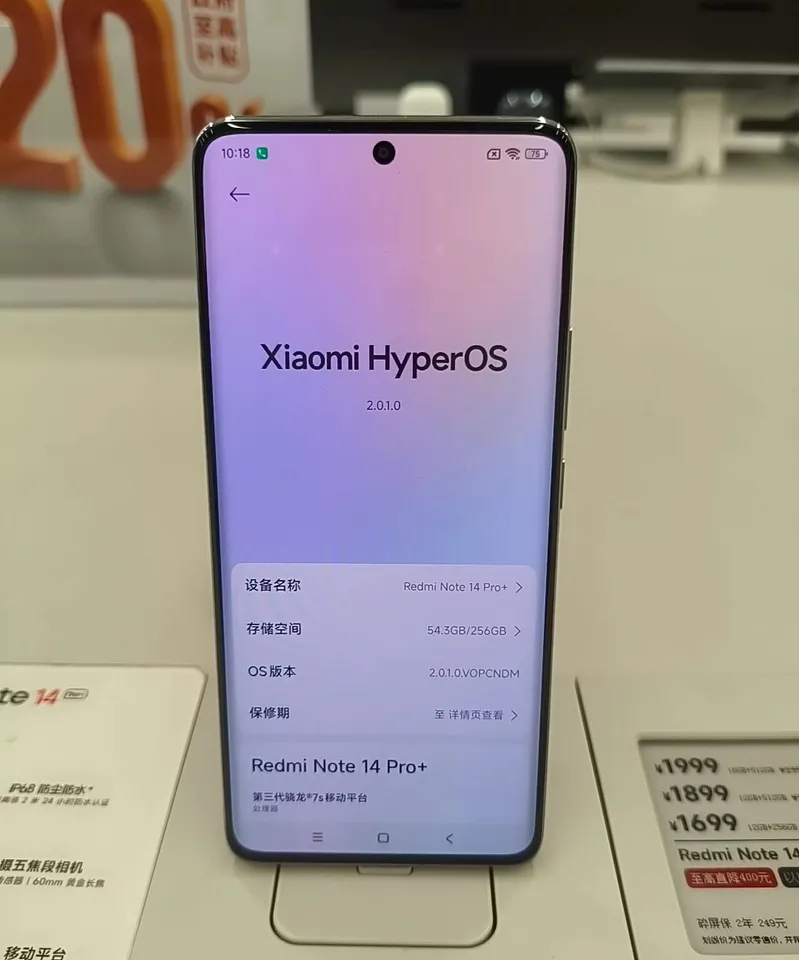
A REDMI Note 14 Pro Plus displayed in a store; this photograph is not a compatibility list or update announcement.
How can I read a feature announcement critically?
Separate the feature's purpose from its availability conditions. A demonstration may show how a tool behaves on one device without establishing its language support, required account or availability elsewhere. Read the qualifications accompanying the demonstration instead of assuming that the headline applies without limits.
Create a feature checklist with four columns: intended task, stated requirements, availability for my device and observed result. For a tool you have not received, write not verified rather than copying another person's answer. This keeps the worksheet useful as your own evidence rather than a collection of promotional claims.
For learning, ask what a feature changes in the workflow. Does it reduce the number of steps, alter how an application opens or introduce a new account requirement? A meaningful explanation describes the task and its conditions, not only the colour of a button or the appearance of an animation.
What should I check after an update completes?
Confirm the installed version first, then test a small set of important functions. Open a study document, check the network connection, confirm that a learning application launches and inspect any relevant permission request. Keep the checks focused on the work you actually need to perform.
If an application fails, distinguish a system problem from an application or account issue. Record what happens and whether the same task works elsewhere. Avoid assuming that every problem occurring after an update was caused by the update; the timing is a reason to investigate, not proof of a particular cause.
Check the provider's current support information before attempting drastic changes. Application updates, account requirements and network conditions can each affect a task. Preserve important work and gather a clear description rather than immediately deleting data or installing a package offered by an unknown channel.
How should I report a problem usefully?
A useful report contains the exact device, software version, task attempted and visible result. Include whether the problem is consistent or intermittent. If it happens only with one file or network, say so. These observations help distinguish a general issue from a narrower case.
Describe the steps needed to reproduce the problem using non-sensitive example data where possible. A report saying that an editor closes when opening a particular kind of practice file is more actionable than saying that the whole interface is bad. Keep the report factual even when the problem is frustrating.
Use official support channels for private diagnostics. Before sharing a screenshot publicly, inspect it for phone numbers, account addresses and notification content. A helpful technical explanation should not require turning somebody's private screen into a public record that remains searchable long after the original issue is resolved.
Why should I avoid unofficial update shortcuts?
An unofficial download can be difficult to assess, and its filename does not prove that it belongs to your hardware or supported software branch. A general article cannot verify the integrity or suitability of a package distributed through an unknown account. Prefer the manufacturer's documented routes and instructions.
Do not disable protective checks merely because a video presents that action as the quickest way to obtain a feature. Likewise, do not share verification codes with someone offering to activate an update remotely. An operating-system announcement does not create a legitimate need for strangers to access your personal accounts.
For a classroom activity, compare the claims made by two update messages without installing anything. Identify their source, target model, version information and stated requirements. This develops useful verification skills while avoiding an experiment on a device that somebody depends on for school or work.
How can students learn from an operating-system update?
Use the update as a case study in software delivery. Separate the interface people see from compatibility, packaging, testing and deployment. A successful release involves more than changing visual design. It must reach the intended device through an appropriate process and continue supporting the tasks users need.
Build a simple change log for an invented classroom application. Record a new feature, its requirements, how you would test it and what instructions users need. Then compare that structure with an official release notice. The exercise connects everyday device maintenance with ideas used in real software development.
The programming courses provide a starting point for practising related concepts in code. Keep the distinction clear: browser exercises explain programming ideas, while changing a phone's system software requires the manufacturer's device-specific guidance. Understanding one does not automatically qualify a learner to improvise the other.
How can I compare a before-and-after example fairly?
Choose one ordinary task and keep the file, network and application conditions as consistent as possible. Record what you observe without turning one experience into a universal performance claim. A faster-looking animation is not the same measurement as a shorter download or a more reliable application session. Explain which behaviour you actually tested.
Frequently asked questions
Does the official global page prove my model receives every feature?
No. Read the feature's qualifications and device-specific information. A global product page can describe capabilities whose availability depends on model, software, language or market. Verify the relevant conditions and the update offered to your device rather than treating an illustration as a universal compatibility statement.
Can I use another model's update date as my own?
Treat it as information about that model and channel. Compare the conditions before applying it elsewhere, and do not invent a precise delivery promise from a broad rollout period. If official information is unclear, keep the uncertainty explicit and use the appropriate support route for clarification.
What is the most useful record to keep?
Keep the model, installed version, date checked and the exact task or update message you are investigating. Add the relevant official link. This small record is more useful than an unsorted collection of screenshots and avoids exposing identifiers or account details that other readers do not need.
Sources
- Xiaomi: official global HyperOS information
- Xiaomi: HyperOS information for Chinese Mainland versions
- Xiaomi Community: official software discussions and programme information
Image credits: cover: 茅野ふたば, source, CC BY-SA 4.0. Resized and converted to WebP. inline: GVZpedia, source, CC BY-SA 4.0. Resized and converted to WebP.
Found an error or an outdated detail? Report a correction with the article URL and original source.