
KTET Hall Ticket 2026: September Cycle and November Exam Guide
Check the KTET September 2026 admit-card route for November exams, inspect your category and centre, and prepare required records safely.
The official Kerala Teacher Eligibility Test portal provides an admit-card route for the September 2026 cycle. Its examination notification lists examinations on 14 and 15 November 2026. The cycle name and the month of the examinations are different; candidates should check both before opening a ticket. Candidates should use the official KTET portal and the details on their own hall ticket to identify their category, session, reporting instructions and examination centre.
This guide was checked on 5 November 2026. It explains how to approach the download, inspect the document and prepare for the visit without confusing a general examination schedule with an individual candidate's instructions. It does not collect login details or provide an unofficial replacement admit card.
Where should I download the KTET hall ticket?
Start at ktet.kerala.gov.in and follow the hall-ticket link for the relevant examination session. Read the session label before entering details. A link for an older examination can remain online, so the appearance of a familiar login form does not establish that it belongs to the November 2026 examination.
Use the credentials or application details requested by the official page. Do not enter them into a comment box, a coaching advertisement or a third-party form promising to retrieve the document for you. This article explains the process; it does not need your application number or password.
If a result in a search engine points to an unfamiliar domain, reopen the official homepage yourself. A copied emblem and the words hall ticket are not enough to establish authority. The examination body's own link is the safest way to identify the correct service.
What dates has the official site published?
| Item | Date displayed on the official website |
|---|---|
| Admit-card route | Available on the official portal for the September 2026 cycle |
| Examination dates | 14 and 15 November 2026 |
These are general published dates. The hall ticket identifies the instructions relevant to a particular candidate. Do not decide which day, category or session applies merely because another applicant in a study group has a particular arrangement.
Check for later official amendments before travelling. A guide's check date and the examination body's latest notice are different records. If the authority changes an arrangement after this page was checked, the newer applicable instruction should guide the candidate.
Read the examination-session label first
Teacher eligibility examinations can have multiple categories or sessions. A candidate should verify the category and subject-related information on the actual document. Preparing for one category does not make a hall ticket for another category interchangeable.
Compare the session information with the application record you retained. If the two appear inconsistent, contact the official help route with a precise explanation. Do not edit the document yourself to make it match what you expected.
Keep the distinction between the application and the hall ticket clear. An application confirmation shows what was submitted or registered. A hall ticket provides examination-related instructions. A payment receipt is another separate record. Keeping them together helps resolve a question without treating one document as a substitute for every other.
A practical download sequence
Open the official website, choose the correct session and follow the displayed hall-ticket instructions. Enter the requested details carefully, complete any verification step and check the result. Use the site's current field labels rather than a remembered sequence from an older year's tutorial.
When the document opens, save a copy in a private folder and give it a recognisable name. Include the examination and session rather than a full set of personal details in the file name. A clear name helps you find it without spreading sensitive identifiers through shared folders.
Open the saved copy before closing the session. A download icon or an empty file is not enough to establish success. Confirm that the document displays properly and that you can read the candidate and examination information you will need.
What should I check on the hall ticket?
Compare the candidate name, photograph and identifying details with the application record. Read the category, date, session and centre information. Then read the instructions about reporting, identification, permitted items and any other requirements printed on the document.
Do not treat a spelling question and a centre question as the same problem. Write down the precise field that appears wrong, the information you expected and the application reference needed for an official enquiry. A focused request is easier to investigate than a message saying that everything is incorrect.
Avoid publishing the hall ticket in a public group to ask whether it looks right. It can contain personal and examination details. If someone helps inspect it, share only what is necessary through an appropriate private route and keep the original file secure.
The centre address needs more than a school name
Read the complete address, including the locality and any centre code shown. Schools can have similar names, and a city can contain more than one branch of an institution. A correct school name with the wrong locality can still send a candidate to the wrong place.
Use the written address to plan travel, then confirm any uncertainty through the official route. A map listing can be helpful, but it is not a replacement for the examination document. Check that the map result matches the locality and institution described on the ticket.
Plan a route and an alternative where practical. Consider the time needed to reach the area, identify the entrance and complete the stated reporting process. Do not rely on an estimated journey time measured under entirely different traffic conditions.
Reporting time and examination time are different
The time a paper begins is not automatically the time a candidate should arrive. Reporting and entry requirements are stated separately where applicable. Read the current instructions and allow enough time to comply without creating a last-minute rush.
Do not copy a reporting time from an old blog or another candidate's screenshot. Even a genuine document can belong to a different category or session. Your own hall ticket and the applicable official notice establish which instructions you need.
If you have an accessibility or approved-arrangement question, use the examination body's designated process. Do not assume that a casual assurance from an unrelated person changes the official requirements. Keep any written response with your examination records.
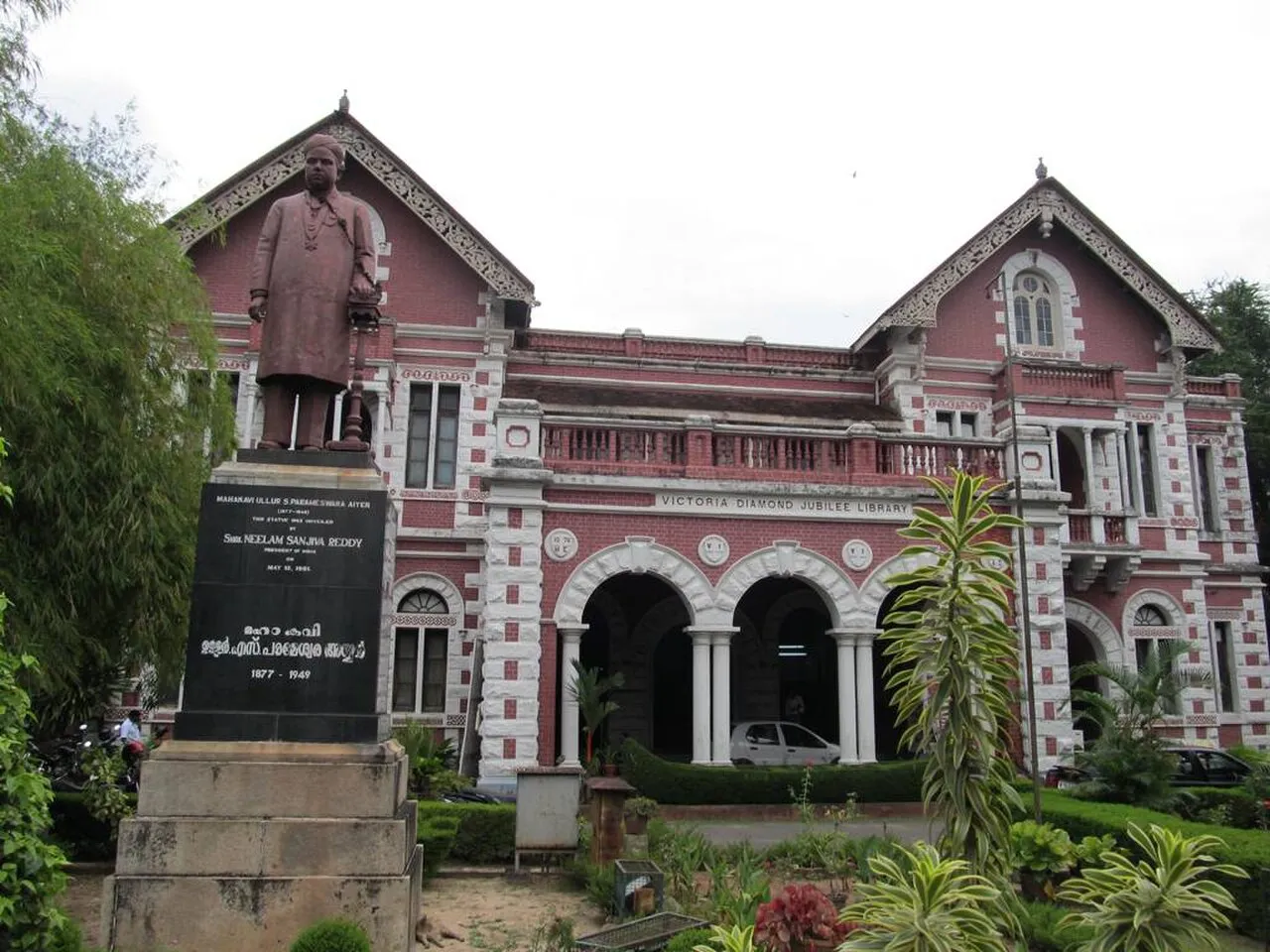
State Central Library in Thiruvananthapuram, shown as Kerala learning context rather than a KTET examination venue.
Print and check the saved document
Follow the instructions about the form in which the hall ticket must be presented. Do not assume that a screenshot on a phone will replace a printed document if the examination body asks for a printout. Likewise, do not invent a colour-print requirement when the official instructions do not state one.
Inspect the print for legibility, complete pages and the visibility of required details. A document cut off at the edge can hide an instruction or identifier. Check the printer settings before making several unusable copies.
Keep an additional saved copy privately if you need to reprint. On a shared computer or at a print shop, collect the pages and avoid leaving the file open or publicly accessible. Examination preparation should not require unnecessary disclosure of identity details.
What if the download does not work?
First identify the stage of the problem. Is the official homepage unavailable, is the session link failing, are the entered details rejected or is the downloaded document not opening? These observations separate an access problem from a credential or document-viewing problem.
Check the details against the application record and correct any typing error. Avoid repeatedly guessing credentials. If the site provides an official recovery option, follow it. Do not hand over account access to someone offering an unofficial shortcut.
If the page appears overloaded, try the official route again later while keeping the examination timetable in mind. A failed attempt does not establish that your application was cancelled. Contact the authority when the problem needs case-specific attention, and describe the exact error rather than an assumed cause.
Use official help for a document discrepancy
The KTET website publishes its help information. Verify the current contact details on the site before using a number copied from a group message. Provide the information needed to identify the application privately and state the specific discrepancy you want checked.
For example, explain that a particular category field differs from the retained application record. Keep any response or reference. Do not attempt to repair the PDF, replace a photograph or alter a centre code yourself. A changed document can create a larger problem than the original discrepancy.
If you receive instructions to wait for a correction, note what was said and where the corrected document will appear. Then check that the replacement actually contains the change. A complaint being submitted is not the same as a corrected hall ticket being issued.
Prepare the permitted items from the actual instructions
Make a checklist from the hall ticket rather than a generic examination packing list. Include the required document, accepted identification and any specifically permitted materials. Check restrictions on electronic items and other belongings before leaving home.
Do not bring an item on the assumption that it was allowed in a different examination. Different authorities and formats can have different rules. Where a requirement is unclear, seek clarification through the official channel instead of interpreting a social-media reply as permission.
Pack the essentials early enough to replace a missing printout or locate the required identification. This is a small practical step that protects the time spent studying. The aim is to arrive able to follow the process, not to negotiate basic document requirements at the gate.
Use the final study period sensibly
Choose a manageable revision plan based on the category and syllabus you are taking. Review errors from practice rather than repeatedly reading only familiar material. A short list of weak areas is more useful than an unrealistic promise to cover every topic again in one night.
Practise reading a question, identifying what it asks and separating the answer choices before selecting one. Record why a previous answer was wrong: missing knowledge, a misunderstood instruction or a rushed calculation. Those different causes call for different kinds of revision.
Our programming and study resources can support general learning habits, but they do not replace the KTET syllabus or official instructions. Select resources for the task you are preparing for instead of treating the existence of a practice test as proof that it matches your examination.
A candidate's record-keeping exercise
Create three headings in a private notebook: application, hall ticket and examination-day instructions. Under each, record where the official document is saved and which information remains to be checked. Do not write passwords in a notebook you will carry publicly.
Now identify one example of a genuine discrepancy and one example of a normal difference. A wrong category may need an enquiry. A hall-ticket page having a different layout from an old screenshot may simply reflect a redesigned service. Compare the meaningful fields before deciding that the entire document is invalid.
Finally, explain the two dates relevant to your preparation: when downloading became available and when your own examination session occurs. Keeping those separate prevents a common mistake in which a release date is copied into a calendar as though it were the examination date.
Questions candidates are asking
What examination dates does the official portal show?
The September 2026 examination notification checked on 5 November lists 14 and 15 November 2026. Check your own hall ticket for the category and session relevant to you, and read any newer official amendment before travelling.
Can this website download the hall ticket for me?
No. Use the official KTET service and keep your application credentials private. RayTech Institute provides an independent guide and does not need your login, application document or identity-card image to explain the process.
Should I edit a wrong detail in the PDF?
No. Contact the official authority about the specific discrepancy. Altering an examination document yourself is not a valid correction process. Keep the original and any official response so you can establish what was reported and resolved.
Is a general schedule enough to identify my session?
No. The general schedule identifies examination dates, while your own ticket identifies the relevant category and arrangements. Do not assume a friend's session, centre or reporting time applies to your application.
Sources
- Official September 2026 cycle examination notification
- Kerala Teacher Eligibility Test official portal and published dates
- Kerala Pareeksha Bhavan
Image credits: cover: Ramjchandran, source, CC BY-SA 4.0. Resized and converted to WebP. inline: Ajeeshcphilip, source, CC BY-SA 3.0. Resized and converted to WebP.
Result dates, fees and eligibility must be checked against the issuing authority's current notice. Report a correction with the article URL and original source.