
PUBG MOBILE FLASH Launch: Official Download, Accounts and Storage Explained
Understand PUBG MOBILE FLASH, find the official app, check account continuity and compare initial downloads, storage, data use and device performance.

PUBG MOBILE FLASH launched on 13 November 2026 as an official lighter starting point for the PUBG MOBILE experience. Its official website emphasises account continuity, while the publisher's store description presents the familiar battle-royale world through a lighter initial download. That does not mean every device will achieve the same frame rate or keep the same total installation size.
For players in Pakistan, the practical questions are where to obtain the legitimate app, how to approach an existing account and what “lighter” means after additional resources arrive. Those questions deserve clearer answers than an unsupported claim that a new app makes every older phone fast.
This guide was checked on 13 November 2026. It describes the official product positioning and a careful installation and comparison method. It does not claim hands-on performance testing, offer modified APK files or promise that a particular phone, account method or regional store already supports every feature.
What FLASH is intended to provide
The official FLASH website and Google Play description position it as part of the PUBG MOBILE world rather than an unrelated game borrowing the name. The emphasis is a lighter beginning, with the existing account and social experience central to the product description. Check the official page for the current availability presented to your region.
A lighter entry point is different from a guarantee that every possible resource is included in a tiny permanent package. Games can obtain additional content after installation. The initial store download, installed application and resources added later are separate measurements, so compare them with their labels intact.
The distinction helps set realistic expectations. Someone who needs a smaller first download may value that design, while someone comparing long-term storage needs should inspect the actual installed total after choosing the content they use. Neither question is answered fully by an isolated promotional download-size claim.
Start from the official website or store listing
Use the official FLASH subdomain, flash.pubgmobile.com, or the publisher's linked store route. For Android, the reviewed Google Play listing uses the package identifier com.tencent.igfit. A package identifier is one useful detail, but the page's publisher and official link context still matter.
Avoid treating an unrelated website with “flash” and “pubg” in its domain as official merely because the words look familiar. Copying a logo or an app name is easy. Follow the download route from the legitimate product page instead of searching for whichever APK promises the fastest access.
This website does not host a game installer. The purpose of the link is to direct readers to the appropriate publisher-controlled route. Store availability can depend on region, device and account conditions, so read the response shown by the actual store rather than a copied instruction from another market.
Do not confuse FLASH with every product called Lite
Game names and early announcements can change during development. A post about an older beta, a separate regional product or a similarly named app should not automatically become an instruction for the released FLASH client. Match the current official name and destination before downloading anything.
The same caution applies to videos using dramatic labels such as “new Lite for all phones.” A video title may describe the creator's interpretation, not the publisher's supported product or compatibility statement. Check the official listing rather than allowing a familiar nickname to decide which software you install.
For a simple comparison note, record the app name, store, publisher, version and date. That makes later troubleshooting more precise than saying only that “PUBG is installed.” Two applications with similar artwork can involve different versions, regions or installation histories.
Check the existing account before removing anything
The official product positioning emphasises the same account. Even so, confirm that you can use the intended legitimate sign-in method and identify the correct account before deleting a working application. Account continuity is not a reason to discard the only record you have of how you previously accessed the game.
Use the publisher's current account and support instructions for the particular situation. This guide cannot inspect an individual's account or guarantee that every historical beta setup behaves like the released product. If something appears missing, first distinguish a different login from a genuine account-content problem.
Never send a password, verification code or recovery secret to a person offering to “transfer” the account through a private chat. A new client does not give an unknown helper authority over your identity. Use the official recovery or support process when access requires assistance.
Initial download and final storage are different
The publisher's store listing checked for this guide advertises a start below 0.96 GB on Android and below 1.75 GB on iOS. It also describes the original Erangel Classic experience as ready for a first match without another initial content download. Treat these as the publisher's listed starting figures, not independent measurements from this website.
The same listing describes additional maps, modes and resources as downloads selected later. That is the practical distinction behind a lighter beginning: the first package and the content a player eventually chooses are not identical. Recheck the current store information when installing because app versions and listed download requirements can change.
Consider a fictional example in which an app first downloads 700 MB and later adds 1,300 MB of selected resources. Those two components already total 2,000 MB before any other retained data. The example is invented to explain the measurement, not to state FLASH's current size.
The number shown in a store may therefore answer a different question from the device's application-storage screen. One concerns obtaining the initial package; the other concerns what occupies storage after installation and use. Read the labels before deciding that a difference proves something went wrong.
For a meaningful comparison, record the total at the same stage for both applications. Comparing a fully used older installation with a fresh client that has not downloaded equivalent resources is not a like-for-like test. The smaller starting state may still be useful, but describe it accurately.
Storage is not the same as mobile-data use
Stored files describe space on the device. Data use describes information transferred across the connection. An application can download resources, update content or communicate during online play, so a small initial package does not establish a fixed monthly data total.
Before a large download, inspect the connection and device's data controls appropriate to your plan. Do not assume that a game's initial size is the only transfer that will occur. If resources are offered separately, read their descriptions and sizes rather than approving every download without considering whether you need it.
For a learning exercise, keep separate columns for initial download, additional transfers and stored total. The figures answer different questions and may not match exactly because installation and retained data have their own behaviour. Clear categories are more useful than one unlabeled “size” number.
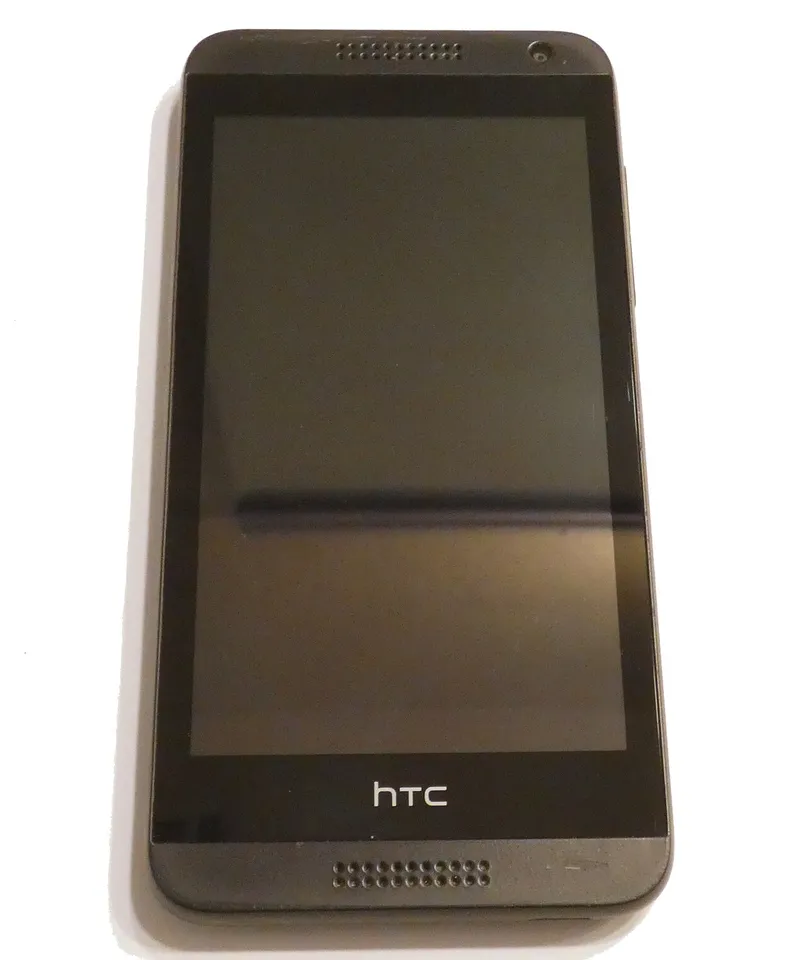
Archive mobile-device illustration. No compatibility or frame-rate claim is made for this particular pictured phone.
A lighter client does not guarantee a higher frame rate
Frame rate depends on the device, settings, workload and runtime conditions. A smaller download can reduce one barrier to starting the game without proving that every phone will render more frames per second. This article does not provide a benchmark because it did not run a controlled device test.
Network responsiveness is another separate factor. A smooth image does not prove that the connection has low delay, and a fast connection does not guarantee smooth rendering. When describing a problem, distinguish stuttering visuals, delayed responses and resource downloads instead of calling all three “lag.”
That distinction helps identify the relevant comparison. If the problem is a network interruption, changing a graphics setting may not address it. If the problem is a demanding visual configuration, a connection-speed result alone does not diagnose the device's rendering performance.
How to compare the two clients fairly
Use the same device and record the software versions. Keep the relevant graphics configuration, game mode and downloaded content as comparable as possible. Note other conditions that can affect the session, such as background activity, rather than assuming that every difference comes from the app name.
Repeat a modest test instead of relying on one unusually good or bad match. A single observation can be useful as an experience report, but it should not become a universal claim about all phones. Write what you observed, the conditions and what remains uncertain.
For example, “this setup used less storage after these selected downloads” is narrower and more useful than “FLASH always uses half the space.” The first statement can be checked against the record. The second requires evidence across configurations that one personal comparison cannot provide.
Inspect permissions in context
Read permission requests through the device's normal controls and the application's official explanations. Ask what function a permission supports and whether you intend to use that function. A game's familiar brand does not remove the value of understanding what access is being requested.
Do not install a separate “permission unlocker” or a modified client merely because another website claims it is required for better performance. Such a claim is not part of the official product positioning established here. Additional software can create a different problem from the installation issue you were trying to solve.
For account or technical support, provide only the information appropriate to the official support process. Keep personal screenshots and payment details out of public comment sections. A useful error description rarely requires publishing unrelated private material alongside it.
Keep unofficial performance claims separate from evidence
Statements such as “zero lag,” “all devices supported” and “guaranteed high FPS” need substantial evidence. They should not be accepted simply because they appear beside a download button. A legitimate product can be discussed enthusiastically without inventing performance guarantees the publisher has not established for your device.
When reading a comparison video, check whether it identifies the phone, settings, version and test conditions. A recording without those details may still show someone's experience, but it does not let you reproduce or fairly compare the result. Presentation quality is not the same as test quality.
This guide avoids recommending unofficial graphics tools, cheating software or account modifications. The useful task is to understand the supported app and its resource requirements, not to obtain an advantage through software outside the game's authorised environment.
If the store does not offer installation
Read the exact store message. A pre-registration state, a region restriction, a compatibility message and a temporary download failure are different situations. Do not translate all of them into “the game is down” or assume that the solution is to obtain an installer from an unknown website.
Return to the official product page and the store's relevant help process. If the release is still propagating to a particular store view, a general launch date does not establish the exact moment your account will show installation. This article does not promise a personal rollout time.
Record the non-sensitive message and the version of the existing installation when contacting official support. Describing what the store actually shows gives a clearer starting point than repeating an unverified claim that every account should already behave identically.
Plan a short first session
After installing through the appropriate route, first confirm the intended account and the basic settings. Check what resources are being requested before starting a long session. A short initial inspection can reveal an unexpected login or download requirement while the situation is still easy to describe.
Keep expectations proportionate. The first task is to establish that the supported app is available and that you understand its account and resource state. It is not necessary to download every optional item immediately or change every device setting because a new client has launched.
For students, entertainment can fit around study commitments when sessions have a deliberate limit. More technology and learning guides are available here. The useful principle is the same as in other software: use the official route, understand the requirements and measure the actual result before repeating a broad claim.
Common questions
Is PUBG MOBILE FLASH an official product?
The reviewed official FLASH website and publisher store listing present it as part of PUBG MOBILE. Use those destinations to identify the legitimate app. This article does not endorse unrelated APK-hosting sites or similarly named domains.
Will it make every old phone faster?
That is not established here. The lighter starting download and device performance are different questions. Check compatibility and compare actual behaviour under known settings rather than assuming that a smaller package guarantees a particular frame rate.
Should I delete the existing app immediately?
First confirm the intended account and the current official sign-in guidance. This general guide cannot inspect your account or restore missing access. Preserve the information you need and use official support if the account state is unclear.
Sources
- PUBG MOBILE FLASH official website
- PUBG MOBILE FLASH publisher listing on Google Play
- PUBG MOBILE official website and announcements
- Launch announcement published on 13 November 2026
Image credits: cover: Emriquet, source, CC BY 4.0. Resized and converted to WebP. inline: HistoricalEmotions, source, CC BY-SA 4.0. Resized and converted to WebP.
Found an error or an outdated detail? Report a correction with the article URL and original source.