
Tamasha Live: Cricket Access, App Setup and Buffering Help
Find legitimate Tamasha access, check match and package conditions, troubleshoot buffering and understand mobile-data use with a clearly labelled calculation.
Tamasha is a streaming platform associated with Jazz, offering live television and on-demand material. If you are opening it to watch cricket, the important first step is to find the specific event, current access conditions and correct account, rather than assuming every match is always free or available everywhere.
This guide explains how to get started carefully, check a live-event listing and troubleshoot common viewing problems. It also includes a simple data-use calculation so that a long stream does not become an unexpected mobile-data expense. It is an independent guide, not Tamasha customer support or a promise of coverage for every fixture.
What can you watch on Tamasha?
The official app listing describes live television, sports highlights and shows, on-demand programmes, podcasts and short-form video. These are categories of content, not a guarantee that a particular match or episode is available to every account at the moment you open the app.
Distinguish the content types before selecting a tile. A highlights package is not a full live match. A studio discussion is not the live playing feed. A replay may show an earlier event even when its title includes teams currently in the news.
Check the date and event name on the selected item. This is particularly useful when a tournament has several matches between similarly named sides or when older clips remain prominent after the live match ends.
Do you need a Jazz SIM to begin?
A 2024 corporate statement describes Tamasha as accessible to customers of all mobile operators in Pakistan. That helps distinguish the service from an assumption that only one network's subscribers can use it. However, an operator-specific promotion and the platform's general accessibility are different matters.
Read the current offer shown for your own account. A mobile-data bundle, a premium subscription and access to a particular event can have different conditions. Do not assume that buying one automatically supplies the other two.
If a promotion names a network or payment method, preserve that condition when sharing it. A screenshot of a discounted price without the eligibility text can mislead someone using another account or connection.
How should you find the legitimate app or website?
Start from the official website or the app-store listing linked in Sources. Inspect the application name, developer information and destination before installing. Avoid a random APK download offered by a page claiming to unlock all paid sports.
The official Google Play listing checked for this guide is Tamasha: Live TV, Movies. Its displayed developer is Beyond-Digital. It also discloses advertisements and in-app purchases, so installation alone should not be interpreted as a promise that every feature or item is free.
On a shared device, make sure you know which account you are using before subscribing. Never send a one-time login code to a stranger claiming that it is needed to “activate the match.” If you need assistance, use the support route provided by the service itself.
How do you check whether a particular cricket match is available?
Match the competition, teams and date, then inspect the current event page. Streaming arrangements are tied to rights and territories; an announcement covering a past tournament is not proof of access to a different match today.
For example, the 2024 corporate release linked below discusses specific international streaming arrangements from that period. It provides historical background, not a universal schedule for November 2026. The correct habit is to use a dated rights announcement for the event it actually names.
Before a major match, open the service early enough to inspect the listing and account status. This does not guarantee uninterrupted viewing, but it gives you time to discover that you selected highlights, used the wrong account or misunderstood a package before the first delivery.
Do not treat a social-media post with a “live” label as proof of authorization. Follow the event through the official service and the competition's current broadcast information rather than an unrelated page promising a free feed.
Is Tamasha free or paid?
Check the current item and package in your account. The official listing's in-app purchase disclosure is enough to reject the blanket claim that installation makes everything free, but it does not establish the price or conditions of every available item.
Before confirming payment, look for the charge, billing period, renewal behaviour and what the package includes. If the checkout differs from a promotion you saw earlier, pause and resolve the difference rather than assuming the older advertisement overrides the current terms.
Keep the confirmation or receipt. A useful record includes the package name, date and transaction reference. Store it privately; a public help request should not expose a phone number, payment details or login information.
This article intentionally does not print an unverified current price. A stale price in a guide can be less helpful than showing readers where to inspect the actual charge before they authorize it.
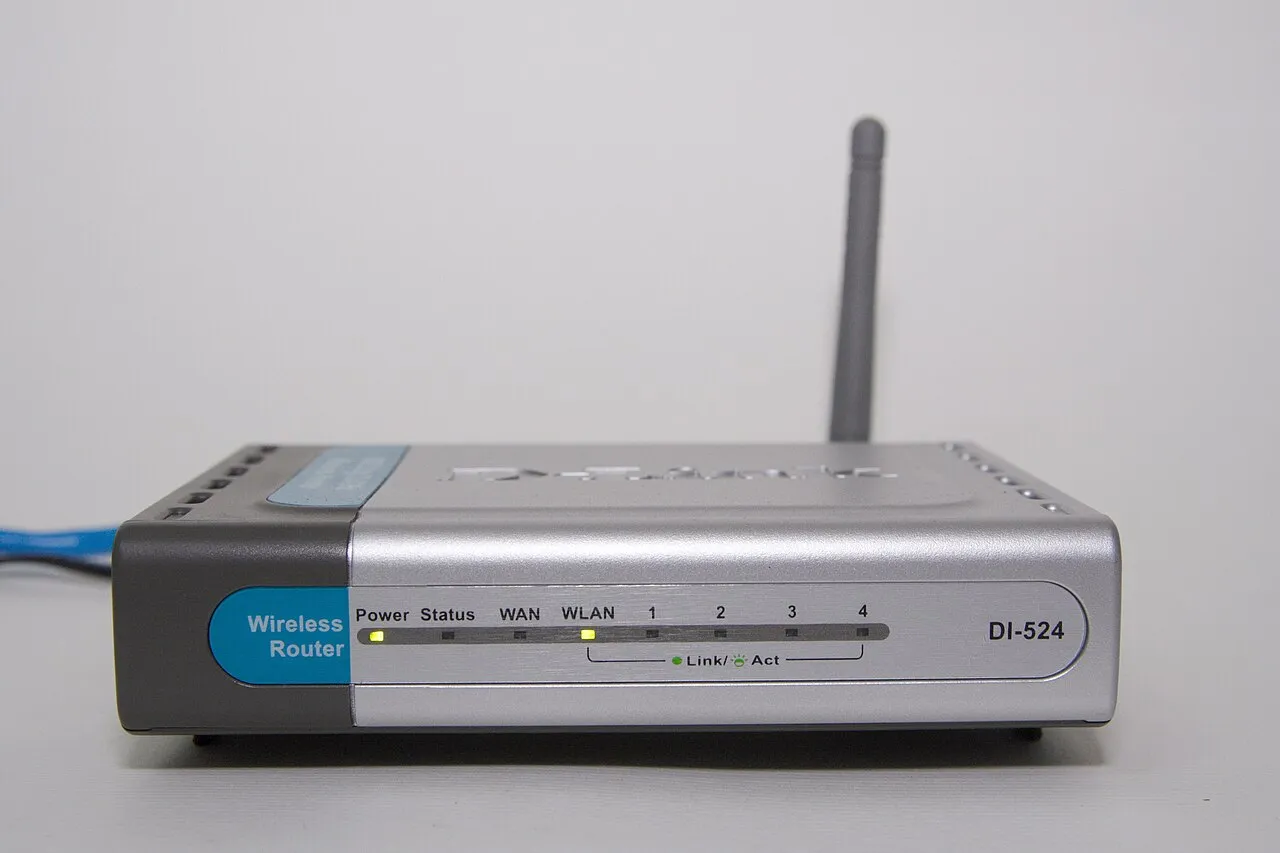
A historical wireless-router illustration, not a required device or a guarantee of streaming performance.
What should you try if the stream buffers?
Begin by describing the symptom. Does the player remain blank, start and stop, show an account message or play smoothly at a lower quality? Different symptoms can point to different questions, and repeatedly refreshing without observing the result can hide useful information.
Try one change at a time. Close an unnecessary download, test another ordinary video or switch between an available Wi-Fi connection and your mobile data if you are comfortable with the data cost. Record what changed instead of assuming the first improvement identifies the cause conclusively.
If the player offers a lower quality setting, try it. A setting that reduces the data required may improve viewing on a constrained connection, but it is not a guarantee against an account problem or a service-side interruption.
Do not disable device security or install an unknown “stream repair” extension. General troubleshooting should not require handing over passwords or giving an unrelated application control of your device.
How much mobile data might a live stream use?
The actual amount depends on the stream and its quality settings. You can understand the relationship with a fictional constant-bitrate example, not a measured Tamasha figure. Suppose a video runs at two megabits per second for one hour.
There are 3,600 seconds in an hour. Multiplying two megabits by 3,600 gives 7,200 megabits. Dividing by eight converts bits to bytes, giving approximately 900 megabytes in decimal units, before extra network overhead.
At that same invented rate, a three-hour session would be approximately 2,700 megabytes, or 2.7 decimal gigabytes, before overhead. Real streams can change bitrate, pause, buffer or use different encodings, so this is a teaching estimate rather than a bill prediction.
The useful lesson is to inspect your own device's data counter and package allowance. “I watched for an hour” does not specify the data used unless you also know enough about the stream. Resolution labels alone do not guarantee a single fixed bitrate.
What if the app opens but a video has no sound?
Check whether the issue affects one item or all playback. Inspect the device's media volume, the player's mute control and any connected Bluetooth audio device. A phone can send sound somewhere you are not expecting while the video appears to play normally.
Try a second item that you are permitted to access. If other content has sound, note that distinction when contacting support. If all media is silent, inspect the device's general audio behaviour before assuming the streaming account is at fault.
Avoid changing many settings simultaneously. If you turn off Bluetooth, change volume and reinstall the application at the same time, you may lose the opportunity to identify which condition mattered. Small, reversible checks make troubleshooting easier to repeat.
What information helps customer support investigate a problem?
Provide the event or programme name, approximate time, device type, app or browser version if available, and the exact non-sensitive error message. Explain whether the problem affects every item or only one stream.
If payment is involved, use the official private support channel for transaction details. Redact sensitive information from screenshots. A useful screenshot can show the package status and message without exposing an entire phone number or unrelated notifications.
Do not post your password, one-time code or full payment information in a comment thread. Someone asking for those details publicly is not giving you a safe way to investigate a player issue.
Keep a brief record of what you already tried. “Lower quality worked, but the highest setting kept buffering” is more actionable than “nothing works,” provided that is what actually happened.
Can a scorecard update before your video?
Treat the scorecard and video as separate delivery paths. If you compare them, make sure they refer to the same match and innings. A difference in displayed progress does not automatically prove that one is showing a different event.
For a viewing group, agree whether to keep score alerts open. Someone checking a fast notification feed can reveal an outcome before another person's video reaches it. That is a practical coordination issue, not a reason to trust an unauthorized stream.
When discussing a result, wait for a reliable completed-match record rather than inferring the final outcome from a delayed player. Our cricket articles distinguish confirmed results from fixtures whose result could not be independently checked.
What should you check before the next viewing session?
Confirm the event, account, package conditions and available data. Check that you can reach the correct page and know where the volume and quality controls are. Keep a legitimate support route handy if access fails.
If you are learning networking, the buffering exercise also makes a useful observation task. Record the symptom, change one condition and compare. Our programming courses teach the same habit of testing a clear hypothesis rather than changing everything at once.
The goal is straightforward: reach the content you are entitled to watch, understand the cost and collect useful evidence if something fails. No guide can promise that every connection or live event will remain uninterrupted.
Sources
Source 1: official Android app listing
Source 2: corporate platform background and historical rights announcement
Checked 1 November 2026. The website requires JavaScript and did not provide a readable event catalogue in the source retrieval. No current match entitlement, price or live uptime is claimed. Data-use figures are explicitly fictional calculations.
Image credits: cover: Samsung Galaxy Note 10 & Google, source, CC BY 3.0. Resized and converted to WebP. inline: Weihao Chiu @ Chinese Wikipedia, source, CC BY-SA 3.0. Resized and converted to WebP.
Found an error or an outdated detail? Report a correction with the article URL and original source.