
UIDAI Aadhaar Guide: Official Services, Updates and Privacy
Find official Aadhaar service routes, distinguish downloads from updates, understand privacy features and avoid sharing identity details unnecessarily.
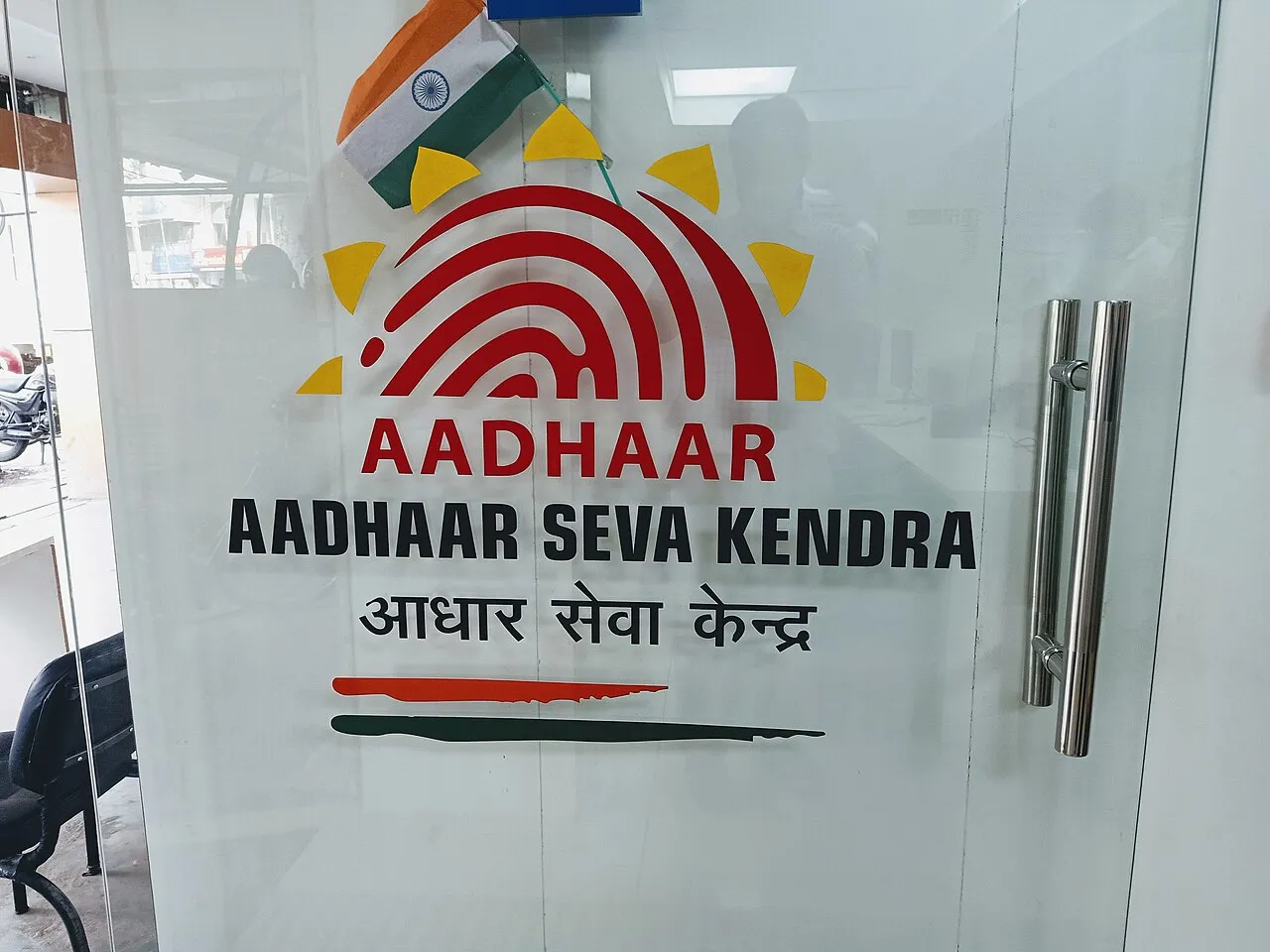
Aadhaar-related tasks should begin with UIDAI's official website or a service linked from it. Downloading a document, requesting an update, checking authentication history and managing a security setting are different tasks. Identifying the task before entering personal information helps you choose the correct official route and avoid unnecessary disclosure.
This independent guide was checked on 5 November 2026. It explains the services and privacy questions a resident may encounter. RayTech Institute does not collect Aadhaar numbers, verification codes or identity documents, and it does not perform enrolment, corrections or authentication on a reader's behalf.
Where should I start an Aadhaar task?
Open uidai.gov.in and follow the service appropriate to your need. UIDAI links its myAadhaar services and publishes information about its official applications and centres. Use those links rather than an advertisement or a message claiming that a new private portal has replaced the official process.
Read the whole address before entering details. The word Aadhaar can appear in a page title or a misleading subdomain without making the site an official service. A familiar logo and an attractive form do not establish who operates the website or what will happen to information submitted there.
State your purpose in one sentence: for example, you need to download your existing document or ask about an address update. These are different requests. Beginning with a clear purpose prevents a helper or website from asking you to complete unrelated forms simply because identity information is available.
Enrolment, updating and downloading are different
Enrolment concerns the original registration process. Updating concerns changes or refreshes to an existing record. Downloading obtains an electronic document through an authorised service. A successful download is not proof that a requested change has been approved, and an update acknowledgement is not the same as the final corrected document.
Keep the records relevant to each task. An acknowledgement or request reference can help with status checks. A downloaded document shows the information represented in that document. Mixing the two can create a mistaken conclusion that a change has already taken effect.
When seeking help, name the stage at which the problem occurs. A page not opening, a verification step failing and an update still awaiting a decision are different situations. A clear description supports an appropriate response without exposing a complete identity record to everyone involved.
What is e-Aadhaar?
UIDAI provides an official route for downloading an electronic Aadhaar document. Follow the current service's instructions and use the details it requests. Do not assume that a copied step-by-step tutorial from an older version describes the exact fields or verification flow currently shown.
Save a downloaded document in a private location. It may contain identity information that should not be left in a public download folder or a shared cloud directory. If using someone else's device, understand where the file went and avoid leaving additional copies behind unnecessarily.
Do not send the entire document to a stranger because they claim a file-opening problem requires account verification. Check the official instructions for the document itself. A technical difficulty does not turn an unknown recipient into an authorised identity-service provider.
What does a masked document change?
UIDAI provides information about masked Aadhaar, which conceals part of the Aadhaar number in the displayed document. This can help limit exposure of the full number in situations where that document form is appropriate. It does not mean every recipient's verification requirement is automatically satisfied.
Ask the requesting organisation what information it actually needs and which official document formats it accepts. Avoid sending more than necessary simply because a full copy is easy to obtain. A resident should understand the purpose and recipient before sharing an identity document.
Masking a number is also not the same as removing every identifying detail. A document can still contain a name, photograph or address. Treat the whole file as personal information rather than assuming that one hidden field makes it safe to post publicly.
What is a Virtual ID?
UIDAI offers a Virtual ID service as part of its identity and authentication arrangements. Use its official explanation and generation route when the relevant service supports it. Do not invent a replacement identifier or assume that any random number can stand in for an official credential.
A Virtual ID and a masked document serve different purposes. One concerns an alternative identifier used within supported processes; the other concerns how a document displays information. Confusing them can lead to submitting the wrong item when an organisation requests a specific form of verification.
Keep the receiving service's instructions visible. A privacy feature is useful when applied in the process for which it was designed. If the requirement is unclear, seek clarification through the organisation's official channel rather than relying on a stranger's assurance that every format is interchangeable.
Why the registered mobile number matters
Some official online services use verification through the registered mobile number. Access to a phone number and the security of that phone can therefore matter when using those services. Check the current instructions for the specific task rather than assuming that every operation uses exactly the same method.
Do not disclose an OTP to an unexpected caller or post it in a support conversation. If you initiate a legitimate process, enter a code only in the official flow that you opened and understand. An unknown person saying they need the code to cancel a problem is not sufficient authority.
If you no longer have access to the registered number, follow UIDAI's current update or centre instructions. Do not attempt to bypass the verification process through an unofficial application. A real access difficulty should be resolved through the service's authorised route.
What should I know about update requests?
UIDAI publishes information about demographic and biometric updates and the available modes. The process and documentary evidence depend on the requested change. Check the specific current requirements instead of assuming that the method for one field applies to every other field.
Prepare the relevant documents and keep the acknowledgement supplied after a request. Read the entered details before completing any confirmation step where available. A small typing error caught during the request is easier to address than a discrepancy discovered only when a document is later needed urgently.
A submitted update is not a guaranteed approval. Use the official status route and reference to follow the request. Do not pay an unofficial person for a promise that they can force acceptance or secretly alter the official record outside the published process.
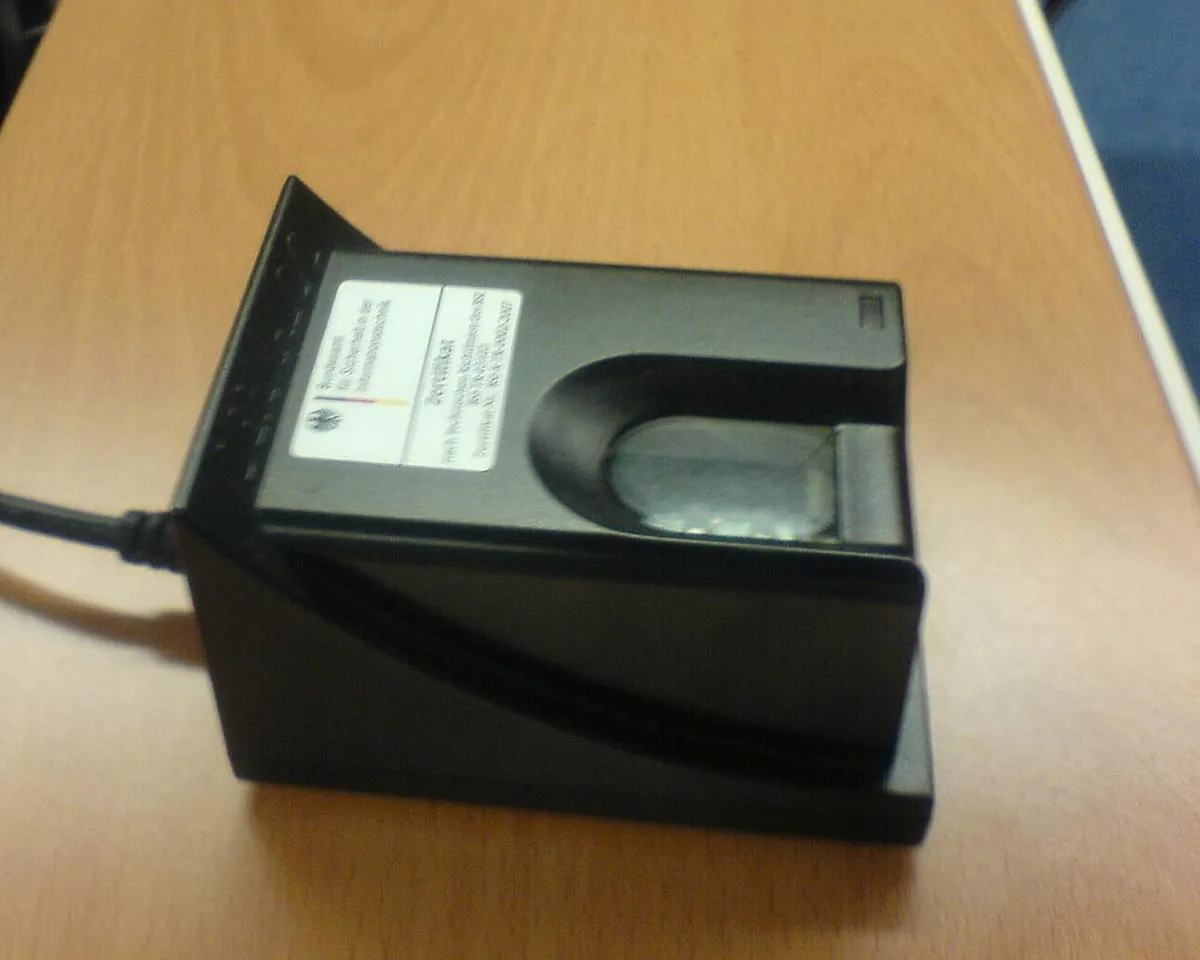
A fingerprint scanner photographed in Germany, used only as an illustration of biometric hardware rather than a UIDAI service specification.
Biometric locking and Aadhaar locking are not identical
UIDAI describes services for locking biometrics and for managing Aadhaar-related authentication settings. These have different effects. Read the explanation of the specific feature before enabling it, including how you can use or restore an authorised service when needed.
Biometric locking concerns biometric authentication modalities. It should not be described as a universal deletion of a resident's record or a guarantee that every possible identity-related risk has disappeared. A security setting has a defined scope, and understanding that scope is part of using it responsibly.
Do not change a setting merely because an unsolicited message says the account will be blocked unless you act immediately. Open UIDAI's official route independently, check what the message claims and use the published help information when uncertain about an action's consequences.
What can authentication history help with?
UIDAI provides an authentication-history service. It can help a resident review records available through the official process and identify an entry they want to understand. An unfamiliar-looking entry should be investigated through the relevant official channels rather than immediately treated as proof of a particular person's misconduct.
Keep the date, type of entry and any reference needed for an enquiry. Share those details privately with the responsible authority or service provider. A public screenshot can expose further personal information while doing little to resolve the original question.
If you suspect misuse, follow UIDAI's security and complaint guidance. The appropriate response depends on what occurred. Avoid installing remote-control software or handing over unrelated bank credentials to someone who claims that they can investigate your identity history for you.
Using a centre or a shared computer
Identify the official centre or authorised service route before travelling. Check the task it supports, any appointment arrangement and the documents required. A shop advertising document services is not automatically the responsible authority for every Aadhaar operation.
When someone assists with a form, remain involved and read what is being submitted. Ask why each document is needed. Keep originals secure and collect the acknowledgement. Assistance with navigation should not become unrestricted permission to retain or reuse your personal information.
On a shared computer, avoid saving credentials and do not leave documents open. Collect printed copies promptly. If a file must be transferred for printing, understand where it is stored and limit unnecessary copies. These ordinary habits reduce avoidable exposure without requiring the resident to be a technical expert.
Recognise misleading urgency and payment demands
Be cautious when an unexpected message claims that you must immediately share a code, transfer money or install an application to keep an identity record active. Verify the claimed requirement through UIDAI's own information rather than following the sender's link.
Fees, where applicable, should be checked against current official information for the exact service. This guide does not publish a universal price because different tasks and service modes can have different arrangements. A price copied from an old graphic is not a reliable basis for a new payment.
Keep evidence of a questionable demand privately if you need to report it. Do not respond by publishing your own identity document to prove that you are genuine. Our cybersecurity and account-safety resources provide related reading, but an account-specific Aadhaar issue belongs with the responsible official service.
A privacy checklist before sharing a document
Ask who is requesting it, what legitimate task it supports and which fields are required. Check the destination and whether an accepted format can limit unnecessary exposure. Do not treat a request as justified solely because it arrived in a group where other people have already complied.
Keep a private record of important submissions: the recipient, purpose and date. This is especially helpful when dealing with multiple applications or services. It does not require publicly recording the identity number or placing a copy of every document in a shared spreadsheet.
If the recipient changes a requirement, ask for the updated official instruction. A confusing process can be resolved by clarification; it should not automatically lead to sending more personal information to more people in the hope that someone will approve the application.
A small exercise in choosing the right service
Imagine three different needs: downloading an existing document, correcting an address and understanding a recorded authentication. Write which official service category you would investigate for each. Notice that none requires posting a full identity document in a public comment.
Now identify the evidence you would retain. A downloaded file, an update acknowledgement and an authentication reference are different records. Keeping the distinction clear helps you ask a precise question if the next step fails.
Finally, describe a privacy feature without exaggeration. A masked document reduces the displayed number; biometric locking affects a defined authentication route. Neither statement needs a promise that all identity risks have vanished. Accurate scope makes a security explanation more useful than absolute reassurance.
Questions residents are asking
Can RayTech Institute update my Aadhaar?
No. This is an independent information guide. Use UIDAI's official services or authorised centre arrangements. Do not send a full number, OTP, identity document or login information to this website expecting a correction or approval.
Does submitting a request mean the change is complete?
No. Keep the acknowledgement and check the official request status. Submission, review and the updated record are different stages. Use the actual result rather than assuming the final document changed when a form was first sent.
Is a masked document safe to post anywhere?
No. It can still contain personal details. Share it only for an understood purpose with an appropriate recipient. Concealing part of one field does not make the entire document suitable for public posting.
Should I follow an urgent link sent by a stranger?
Open the official website independently and verify the claimed requirement. Urgency is not proof of authority. Use the current help and security information rather than allowing an unexpected message to decide where you enter personal details.
Sources
- UIDAI official website
- Official online services and security features
- Updating Aadhaar information
- UIDAI questions and answers
- Official advice on safe Aadhaar use
Image credits: cover: Suyash.dwivedi, source, CC BY-SA 4.0. Resized and converted to WebP. inline: User:Mattes, source, CC BY-SA 3.0. Resized and converted to WebP.
Found an error or an outdated detail? Report a correction with the article URL and original source.