
WhatsApp View-Once Text on Android: Beta Rollout and Privacy Limits
Understand WhatsApp view-once text in the Android beta: sending controls, availability, screenshot restrictions and realistic privacy limits.
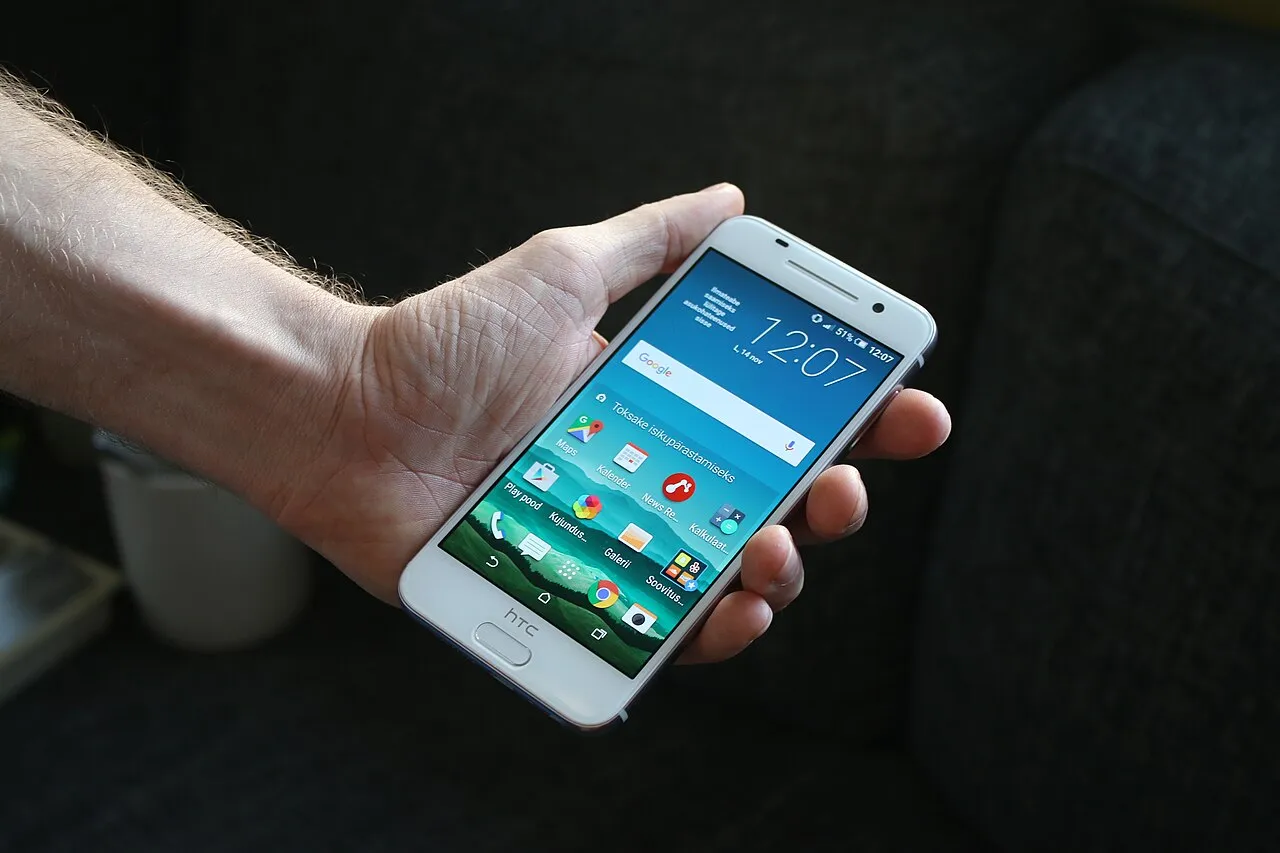
WhatsApp is rolling out view-once text messages to some Android beta testers, according to WABetaInfo's report dated 12 November 2026. This is a limited beta rollout, not confirmation that every Android account can use the feature today. The reported compatible build is WhatsApp beta for Android 2.26.45.6.
The idea is straightforward: a recipient can open a piece of text once inside a separate viewing screen. After leaving that screen, the message cannot be opened again through that feature. However, temporary access is not the same as a guarantee that information can never be remembered or recorded elsewhere.
This guide explains the reported controls, the difference from older disappearing-message options, and practical ways to think about privacy. It does not claim first-hand testing or provide a release date for accounts outside the reported rollout. Availability should be checked in the official application rather than inferred from a screenshot shared online.
What has actually been reported
The current report describes a text-specific addition being made available gradually to selected Android beta accounts. That qualification matters. A friend may receive an experimental control before you do, even when both phones carry the WhatsApp name. Product availability and product awareness are different things.
Keep three questions separate when reading feature news: what the control does, which software version is associated with it, and which accounts have actually received it. A report can answer the first two without establishing universal access. The word “rolling out” should not quietly become “everyone already has it.”
For the wider public release, this article does not have a confirmed date. A responsible explanation leaves that uncertainty visible. Repeatedly reinstalling an application or searching for unofficial installation files is not a reliable substitute for an account receiving an official rollout.
How the reported sending control works
WABetaInfo describes writing a text message and pressing and holding the send button to reveal additional sending options. View once appears among the available choices for eligible testers. Choosing the option sends the prepared text, so the choice should be treated as a sending action rather than a harmless preview.
Before using any send control, read the text and verify the intended chat. A temporary-message option does not fix a wrong recipient. A message containing the correct information can still be a mistake if it reaches the wrong person or a conversation that was never meant to receive it.
The same report distinguishes view-once sending from scheduled sending: scheduling a view-once text is not supported at the reported stage. Do not combine two separate controls into an imagined feature merely because their names appear in the same menu. Interface proximity does not establish compatibility.
What the recipient experiences
The reported receiving flow opens the message in a separate view. Closing that view ends the opportunity to reopen the text through the feature. That makes it important for a recipient to decide whether they are ready to read before opening, rather than treating it like an ordinary message they can revisit later.
An opened indication can provide limited information about message handling, subject to the relevant read-receipt behaviour. It should not be described as proof that the recipient understood every sentence. Opening a screen, reading carefully and agreeing with its contents are three different actions.
For ordinary coordination, information that someone must retain may be better suited to a normal message. A classroom deadline, meeting location or set of revision instructions can become less useful if the recipient cannot consult it again. Choose a format for the task, rather than making every conversation temporary because the option is new.
Text view once is not the older media feature
WhatsApp has previously offered view-once photos and videos, and Meta discussed that media feature in 2021. That history helps explain the familiar name, but an old media announcement does not establish a new text rollout date. The material being restricted and the control being introduced must be identified correctly.
Similarly, disappearing messages and view-once text are not interchangeable descriptions. A disappearance timer concerns how long a message remains available under the relevant settings. A one-time opening rule concerns a particular viewing opportunity. The words “temporary” and “private” can conceal this distinction if used too loosely.
When explaining a feature to someone else, describe the observable rule instead of relying on a broad label. “This text is intended to open once” is clearer than “this chat is completely secret.” A precise sentence helps the other person decide whether that format suits the information.
What screenshot restrictions can and cannot establish
The beta report describes restrictions on screenshots, screen recording, copying, forwarding and saving within the viewing experience. These are useful application-level controls. They should not be stretched into a statement that no recipient can ever preserve any part of what they see.
Another device can photograph a screen, and a person can remember information. No tutorial is needed to understand the underlying limitation: software controlling one viewing surface cannot guarantee the behaviour of every person and object around it. This article does not recommend attempting to bypass the controls.
The practical decision is therefore about trust as well as interface design. Consider who will receive the information, whether it is appropriate to send at all, and what the consequences would be if it were repeated. A restricted viewing format can reduce convenience for casual retention without making an unsuitable disclosure safe.
Do not use the feature as permission to share credentials
A disappearing or one-time format should not persuade someone to send a password, verification code or account recovery secret to a stranger. The risk comes from another person obtaining the secret, not only from the message remaining visible in the chat afterwards. Reading it once may already be enough.
Imagine a fake support agent asking for a login code and promising that view once makes the exchange secure. The temporary format changes neither the recipient's identity nor their authority. The safer decision is to follow the account provider's official recovery or support process and keep the code private.
For students, use fictional text when learning a new control. A harmless practice sentence can demonstrate the difference between an ordinary message and a temporary one without involving private school records, family details or account information. Understanding a privacy setting does not require placing real sensitive material at risk.
Archive Android device illustration. Feature availability depends on the official application and account rollout, not this pictured model.
A small decision exercise before sending
Start with the purpose of the message. Does the recipient need to refer to the information tomorrow? Does it contain something that should not be shared through that conversation? Would sending it to the wrong contact create a problem? These questions are more useful than assuming that newer controls always improve communication.
Consider a fictional message saying, “The revision group meets at four.” If everyone needs to check the time later, an ordinary message is easier to use. If the aim is simply to experiment with temporary viewing, a separate harmless test can teach the control without making useful instructions disappear.
Next consider a private account code. A one-time view does not make an unknown request for that code legitimate. The correct response is to question the request and use the official account process, not to search for a more temporary way to disclose it.
Why an updated phone may still lack the option
Software version and server-side availability can be separate parts of a rollout. The report's association with an Android beta build is not a promise that every device carrying that version immediately receives the same menu. Readers should avoid treating one missing button as proof of a broken account.
Check the version and distribution channel through the application's legitimate information and update route. Do not assume that an unofficial download offering the latest feature is trustworthy merely because its filename resembles a version number. A name on a download page is not a verification of the software's origin.
If the option is absent, continue using the available official controls rather than repeatedly resetting unrelated settings. Beta reports are useful for understanding what is being tested. They are not an obligation to destabilise a working phone to match another person's interface.
What to check when someone shares a rollout screenshot
Look for the date, platform and source of the image or claim. An Android beta screen does not establish what an iPhone user currently sees. An older photo or video setting can also be mislabelled as the new text feature when screenshots circulate without their original explanation.
Separate the visible interface from any added caption. A screenshot may show a button while the caption promises universal availability or perfect privacy. The button does not prove those extra claims. Treat each statement as something that needs its own support rather than accepting an entire caption because one visual detail looks plausible.
If you cannot confirm the context, describe it cautiously or avoid forwarding it as an announcement. Sharing less confidently can be more useful than spreading a precise-looking but unsupported instruction. The goal is to help another person understand their actual application, not to win a race to repeat feature news.
Temporary viewing and encrypted communication answer different questions
WhatsApp describes its privacy protections through its official privacy material. Encryption concerns protection of communication through the relevant system. A viewing rule concerns what the application permits after content reaches a participant. Neither label should be used as a shortcut for every possible privacy question.
Think in stages: preparing a message, choosing a recipient, transmitting it, opening it and handling the information afterwards. A protection relevant to one stage does not automatically remove every risk at another stage. This model explains why recipient trust remains important even when an application offers several privacy controls.
For a learning exercise, ask which stage a proposed precaution addresses. Checking the contact addresses recipient selection. Reviewing the text addresses preparation. A one-time opening control addresses a particular viewing experience. Keeping these roles distinct makes privacy advice easier to understand and harder to oversell.
A sensible checklist for eligible users
Before sending, confirm that the option exists in your official application and that you understand the sending action. Review the text, check the chat and decide whether the recipient needs a lasting record. Avoid using a temporary format for material that should never be disclosed to that recipient in the first place.
After sending, do not treat an opened indicator as evidence of agreement, comprehension or an obligation being fulfilled. If a conversation needs confirmation, ask an appropriate follow-up without demanding that someone defeat the application's restrictions. Communication still requires clear expectations between people.
For readers who do not have the feature, the useful takeaway is the distinction between a beta announcement and a public release. More technology and learning guides are available alongside this article. Check the source date when revisiting feature news because experimental controls and availability can change.
Leave enough room for someone to read
Before choosing temporary viewing, consider the other person's circumstances. They may be reading on a small screen, learning the language of the conversation or dealing with an interruption. A format that feels convenient to the sender can make the recipient's task harder when the information cannot be revisited easily.
For learning materials, lasting explanations usually serve a different purpose from a brief private exchange. A student may need to compare two examples, return to a definition or check an instruction while practising. Keep essential teaching information accessible through an appropriate normal format rather than making a new messaging control the centre of the learning task.
This is a communication choice, not a criticism of the feature. Match the format to the information and the reader. A useful privacy option should support an understandable exchange rather than create pressure to absorb everything in a single hurried look.
Common questions
Is view-once text available to every WhatsApp user?
The report checked for this guide describes some Android beta testers and a gradual rollout. It does not establish access for every Android or iPhone account. A universal release date is not confirmed here, and the guide should not be read as a promise about your specific account.
Can I schedule a view-once text?
Not according to the reported beta behaviour described here. The sending menu's scheduling and view-once options are separate. Check future official availability rather than assuming that two features in one menu can automatically be combined.
Does one-time viewing guarantee that nobody can retain the information?
No. Application restrictions are not a guarantee about external cameras, human memory or what someone repeats later. Use the feature with realistic expectations, appropriate recipients and harmless practice material when learning. It does not replace careful decisions about what to share.
Sources
-
WABetaInfo: Android view-once text rollout report, 12 November 2026
-
Meta: original view-once photos and videos announcement, 2021
-
Meta: privacy features and screenshot-blocking context, 2022
Image credits: cover: Andri Koolme, source, CC BY 2.0. Resized and converted to WebP. inline: M65.MGBD1, source, CC BY-SA 4.0. Resized and converted to WebP.
Found an error or an outdated detail? Report a correction with the article URL and original source.