
PTCL Internet Guide: Flash Fiber, Bills, Troubleshooting and Safe Support
Understand PTCL Flash Fiber, Wi-Fi versus internet access, speed-test units, bills and complaint records, with safe checks before changing settings.
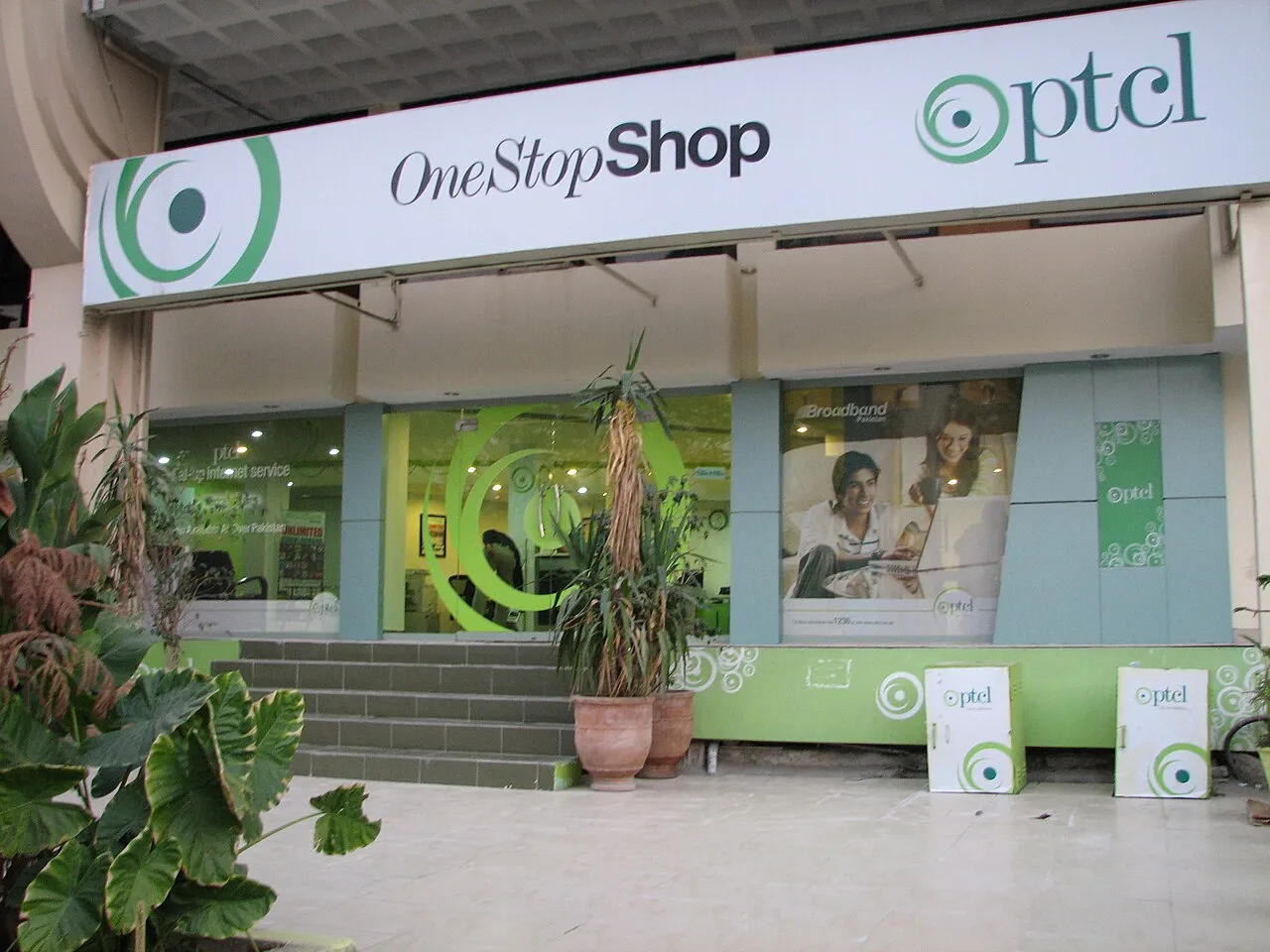
PTCL is Pakistan Telecommunication Company Limited, a telecommunications provider associated with fixed-line and broadband services, including Flash Fiber. If you are looking for help with a bill, package or connection, begin with the company's official channels. A search result using the PTCL name is not automatically operated by the company.
This guide explains the difference between internet access and Wi-Fi, how to investigate a connection problem safely, what to check before changing a package and how to keep a useful complaint record. It does not declare a nationwide outage or quote an unverified promotional price simply because the company is trending.
What is PTCL Flash Fiber?
Flash Fiber is PTCL's fiber-broadband offering. The company describes it in corporate materials as part of its fixed-broadband services. Availability and the packages offered at an address need to be checked with the provider; seeing a promotion does not establish that the same service is already available in every street.
Fiber access and home Wi-Fi are different parts of the connection. The access service brings connectivity to the premises, while the local wireless network distributes it to devices. An excellent access line can still feel slow if the local Wi-Fi signal is poor or the device is struggling.
This distinction matters when asking for support. Saying the internet is slow gives less useful information than explaining whether the problem affects every device, whether a wired test differs and whether the issue occurs near the router or only in another room.
Internet access is not the same as Wi-Fi
Wi-Fi connects a device to a local network without a cable. That local connection can remain active even if the internet service beyond the router is unavailable. A phone showing a strong wireless signal therefore does not prove that the provider's internet connection is working.
The reverse can also happen. The access line may be functioning while a device has trouble joining the local wireless network. In that case, changing the provider's package may not solve the immediate issue. The problem might concern signal strength, saved network settings or the device itself.
Before drawing a conclusion, identify which connection is failing. Can the device join the Wi-Fi? Can other devices reach websites? Does the problem affect one application or all internet use? These simple distinctions help narrow the investigation without requiring risky changes to the network configuration.
Start with a safe five-minute check
First note the symptom and the time it began. Then check whether the problem affects one device or several. If another device works normally on the same network, that is useful evidence about the scope of the issue, although it is not a complete diagnosis.
Move closer to the router and try the same ordinary task again. Keep the comparison fair by using the same device and application. A large change with distance suggests a local wireless factor may be involved. It does not automatically prove that the external line is perfect, but it identifies something worth examining.
If appropriate, restart the device and follow the provider's normal guidance for restarting the router. Do not confuse a restart with a factory reset. A factory reset can erase settings needed for the service, creating an additional problem that may require support to restore.
Read equipment indicators cautiously
Routers and optical terminals have model-specific lights and labels. A light's color or flashing pattern should be interpreted through the manual or provider's guidance for that device. Do not assume that a tutorial for another model explains every indicator on your equipment.
You can record the labels and visible status when contacting support, but avoid opening equipment or attempting to repair optical connections yourself. Fiber equipment should be handled according to the provider's instructions. Looking directly into an optical connector is not a sensible troubleshooting step.
Keep photographs of equipment private if they show network names, passwords, serial numbers or account details. A public support post can unintentionally reveal more than the symptom you meant to report. Share only the necessary information through the official support route.
A useful way to separate four common problems
| Observation | What to investigate next |
|---|---|
| One device fails while others work | Device or application-specific settings |
| Service improves close to the router | Local wireless coverage or interference |
| All devices lose internet together | Equipment, access line or wider service issue |
| Only one website or app fails | That service, routing or application behavior |
These are investigation paths, not guaranteed diagnoses. More than one issue can exist at the same time. The purpose is to ask a better next question rather than use a small observation to make an unsupported declaration about the entire network.
Avoid rapidly changing several settings at once. If performance changes afterward, you will not know which action mattered. Make a simple, reversible change, test the same task and record the result. This is both safer and more informative than following a collection of unrelated internet tips.
How to run a meaningful speed comparison
Record the device, connection method, test time and whether other devices are downloading or streaming. A speed test performed while a large update is using the connection answers a different question from a quiet-network test. Both can be useful if the conditions are stated.
Where a safe, suitable wired connection is available, comparing it with Wi-Fi can help separate access performance from wireless limitations. Do not treat one test as a permanent guarantee. Servers, traffic conditions and the device can influence the measured result.
Also distinguish download speed, upload speed and latency. Download speed affects receiving data, upload speed affects sending it and latency concerns response time. A high download result does not automatically mean every video call or interactive task will feel responsive.
Mbps and MB are different units
Internet packages commonly express a rate in megabits per second, written Mbps. File sizes often use megabytes, written MB. There are eight bits in a byte, so those labels should not be read as if they described the same unit.
In a simplified example, a connection delivering forty megabits per second corresponds to five megabytes per second before practical overhead and other limitations. That does not guarantee every download will sustain that rate. It explains why a download application's number may look smaller than the package's advertised number without the difference alone proving a fault.
When discussing a test or file transfer, retain the unit exactly. A screenshot with the unit cropped out can create a misleading comparison. Good technical support begins with correctly describing what was measured.
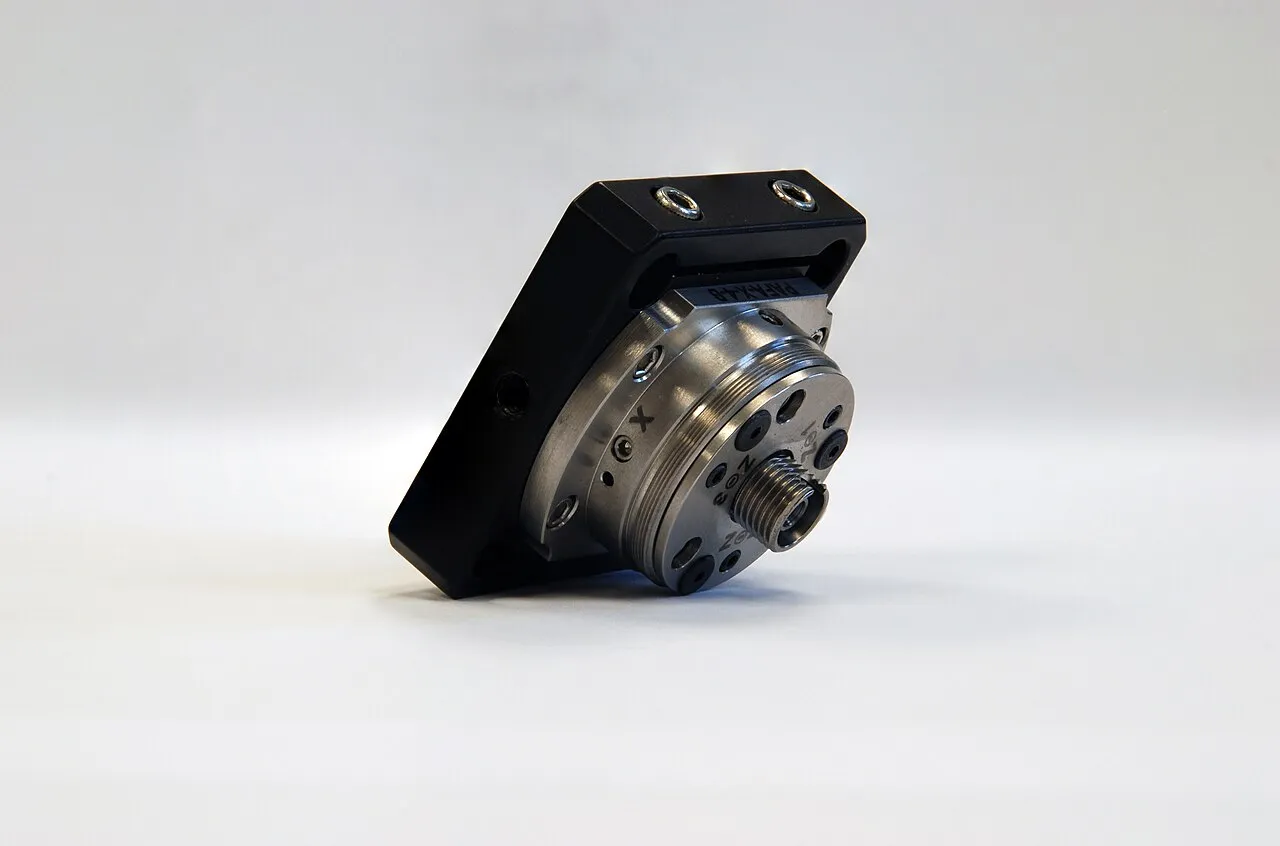
Optical-fiber coupling equipment, illustrating the technology behind fiber connections.
What to check before choosing or changing a package
Confirm the service type and availability at the actual address. Then ask for the recurring charge, applicable taxes, installation or equipment costs, promotion duration and the price after the promotion. A headline rate may not describe the full amount that will appear on the bill.
Ask whether any bundled service changes the total and whether there are conditions attached to a downgrade, cancellation or device arrangement. Do not assume that an offer described by a friend in another area applies identically to your account.
Save the official written offer or order confirmation. If a later bill differs, that record helps identify whether the issue concerns a promotion, an added service, a one-time charge or an error. A vague memory of a telephone conversation is harder to compare with a detailed invoice.
Understanding a bill without sharing private details
Check the billing period, account identity, recurring service charges, taxes, previous balance, payments credited and any one-time entries. A higher total may involve more than the monthly package price. Read the components before deciding which item requires clarification.
Keep account numbers, addresses and payment references out of public screenshots. If asking someone to help understand the bill, redact information that is not needed for the question. The amount of one disputed line can often be discussed without exposing the full document.
For payment, follow the company's official bill-payment instructions and use a channel you can independently verify. Do not send money to a personal account merely because a message claims that urgent payment is needed to prevent disconnection.
How to make a useful complaint record
PTCL corporate materials advertise 1218 as a customer contact route. Check the current official contact information before relying on a number copied from a forum or an old advertisement. Do not assume that every unofficial WhatsApp account using the logo belongs to the provider.
Describe the symptom, when it began, which devices are affected and what safe checks you have already performed. Keep the description factual. A clear report helps distinguish a local wireless issue from an access fault or a billing question.
Save the complaint reference, date, promised next step and any subsequent response. If a case is marked resolved while the problem remains, explain that with a fresh observation rather than simply opening many unrelated complaints. A consistent timeline is easier for support and any later escalation to follow.
What if the issue continues?
Use the provider's official escalation route and retain the existing complaint history. Explain what remains unresolved and attach relevant evidence privately. A dated record of symptoms, test conditions and responses is more useful than a large collection of angry screenshots without context.
If considering a regulatory complaint, consult the Pakistan Telecommunication Authority's official information and process. Check the current requirements rather than assume that an old blog post describes the latest procedure. This guide does not promise a particular resolution time or outcome.
Keep the investigation proportionate. A single unavailable website does not establish a nationwide outage. A failed test from one device does not prove that the entire access network is broken. Report what you observed and distinguish it from explanations that still need confirmation.
Avoid the most common support scams
Be cautious with unexpected calls or messages asking for verification codes, account passwords or remote access to your device. The use of a familiar company name does not establish the caller's identity. Independently open the official channel instead of relying only on the contact details supplied in the message.
Do not install an application from an unknown link to obtain a refund or restore a connection. Do not publish router-admin credentials in a support comment. A person helping troubleshoot should not need unrestricted access to every account on your phone or computer.
For broader safety habits, read our cyber-attack and account-safety guide. The same principles apply: verify the route, limit what you share and keep the evidence needed to understand the issue.
A quick download-size exercise
A simplified 200 MB file contains about 1,600 megabits. At a steady forty megabits per second, the theoretical transfer time would be forty seconds before overhead and practical limitations. The example does not promise that a particular download will finish in that time. It shows why keeping bits, bytes, file size and transfer rate distinct is necessary before diagnosing a connection from one application's display.
Questions readers often ask
Does a strong Wi-Fi signal prove PTCL internet is working?
No. The wireless signal describes the local connection to the router. Internet access beyond it can still be unavailable. Test the actual service and compare devices before deciding which part of the connection needs attention.
Should I factory-reset the router to improve speed?
Do not do so casually. A factory reset can remove required settings. Follow the provider's guidance for your equipment and distinguish a normal restart from erasing the configuration. A reset is not a universal first step.
Why is my bill higher than a promotion's headline price?
Check taxes, one-time charges, bundled services, the promotion period and any previous balance. This does not mean every higher bill is correct. It identifies the components to compare before making a specific complaint about the amount.
Does this article confirm a current nationwide outage?
No. A trending company name and isolated user reports do not establish that conclusion. For an outage claim, look for dated provider information and evidence about its actual scope. This page provides service-understanding and troubleshooting guidance rather than an invented live network-status feed.
Sources
- PTCL official website
- Company report hosted by the Pakistan Stock Exchange
- Pakistan Telecommunication Authority
- PTA complaint management system
Image credits: cover: Executioner, source, CC BY-SA 3.0. Resized and converted to WebP. inline: Eric Magnan, source, CC BY-SA 4.0. Resized and converted to WebP.
Found an error or an outdated detail? Report a correction with the article URL and original source.