
WhatsApp iOS Beta Contacts Tab: Rollout, Privacy and What Changed
WhatsApp is testing a Contacts tab in iOS beta 26.44.10.70. Understand the gradual rollout, sorting options and existing privacy controls.
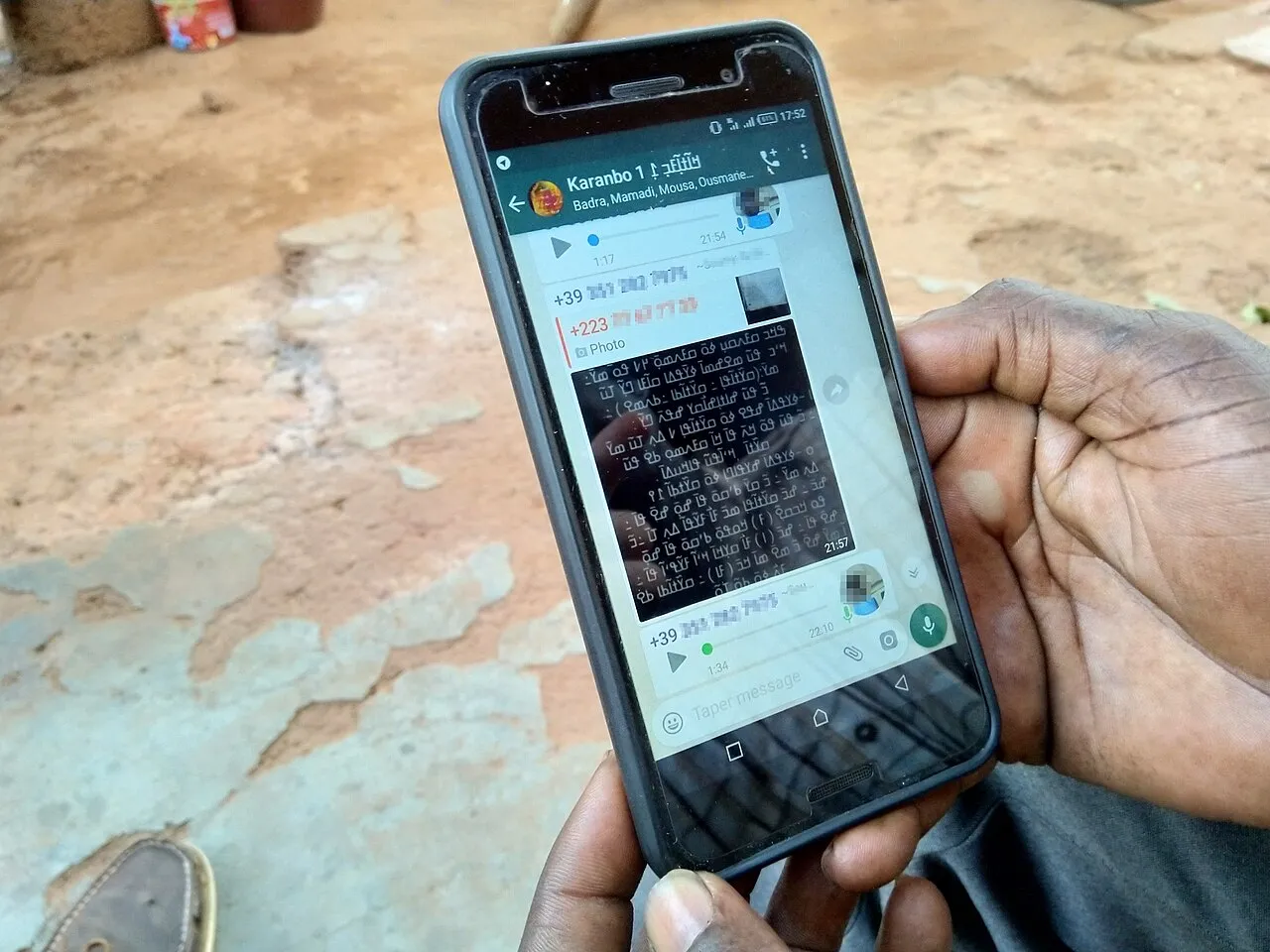
WhatsApp is testing a Contacts tab on iPhone, with the feature reported in WhatsApp beta for iOS 26.44.10.70 through TestFlight. It is a gradual beta rollout, not an announcement that every iPhone account has already received the same interface. If your app still looks different, that alone does not show that something is broken.
The reported change puts contact discovery in its own hub. For the current experiment it replaces the Communities tab, while community access is handled elsewhere in the interface. The central questions are what the tab shows, what privacy settings still control and how to check a beta feature without risking your account or chat history.
What is new in the iOS beta Contacts tab?
The observed hub brings together favourite contacts and a fuller contact list. Reported sorting options include activity, alphabetical order and birthdays. Online indicators are part of the experiment, but they do not override a contact's choices about sharing last-seen or online information.
A contact-addition control is also reported within the tab. It is intended to make finding and adding people more direct, rather than requiring a user to begin by entering a conversation. These observations describe the tested build and account rollout; they should not be assumed to apply to every stable release.
| Item | What readers should understand |
|---|---|
| Platform | WhatsApp beta for iOS |
| Reported compatible build | 26.44.10.70 |
| Distribution channel | TestFlight |
| Availability | Some beta accounts, with gradual rollout |
| Main purpose | Contact discovery and organisation |
| Privacy boundary | Existing online/last-seen sharing choices still matter |
Beta version and stable version are different questions
A version number identifies a software build. Feature availability can also depend on which accounts are included in an experiment. Installing a compatible build therefore does not guarantee that a particular tab will appear immediately. Distinguish the version installed on your device from the feature state observed on your account.
This is why two people can show different screenshots without either screenshot being fabricated. They may use different builds, different account configurations or different stages of a rollout. A useful comparison records those conditions instead of assuming that one person's layout is the universal current interface.
The stable App Store release and a TestFlight beta should also be labelled separately in a news report. A preview of a feature can explain its direction, but it does not establish the timing or final design of a wider launch. A beta interface may change before it reaches more users.
Where did the Communities tab go?
In the reported experiment, the Contacts hub takes the navigation position associated with Communities. That is a change in how an area is reached, not evidence that every community, group or membership has been deleted. Before concluding that content is missing, inspect the available chat filters and supported navigation options.
Avoid following a screenshot guide mechanically when its layout does not match your build. Start from the feature you need: opening an existing group, locating a community or creating a new conversation. Interface labels can move, while the underlying task remains recognisable. Use in-app help for the version actually installed.
A redesign can also change how you explain the app to someone else. Instead of saying tap the third button, identify the label or purpose of the control. Instructions based on meaning are more resilient than instructions based only on position, particularly while a product is testing alternative layouts.
What an online indicator can tell you
An activity label is a limited interface signal, not a complete account of another person's day. Seeing an online indicator does not mean that the person is reading your conversation, ready to reply or available for a call. The app's display should not be turned into a stronger conclusion than the information supports.
The reported Contacts tab continues to respect last-seen and online-sharing settings. An absent indicator is therefore not proof that someone blocked you or removed your number. There can be several explanations for what is visible, including privacy choices and the state of the connection or interface.
For students working in a group, a clear message is more useful than repeatedly checking activity dots. State the task, deadline and response needed. If something is urgent, agree on a communication method in advance. A redesigned contact list does not remove the need for reasonable expectations between people.
Contact permission is separate from profile visibility
There are several different ideas that can be confused under the word contacts. The phone has an address book. An app can have permission to access contact information. An account can expose selected profile or activity information. These are related parts of a communication system, but they are not the same setting.
Review an iPhone's app permissions through the device's supported privacy controls. Then review the app's own account-privacy settings separately. Changing access to the address book should not be described as a guaranteed way to make every activity label appear or disappear. Use the setting that actually governs the information concerned.
When helping another person, explain what will change before touching a permission. Do not ask them to grant broad access merely to imitate a screenshot from a beta article. A feature demonstration should not become pressure to share information they would otherwise keep private.
Sorting by name, activity or birthday
Alphabetical sorting is useful when you already know whom you want to contact. Activity-based sorting is intended to organise the list around visible activity information. Birthday sorting addresses a different task again. The right choice depends on what you are trying to do, not on which option appears most prominent in a demonstration.
For a large study group, consistent saved names can make alphabetical search easier. Avoid putting private notes about another person in a field that might later be shared or synchronised. Keep your address book accurate and remove obsolete entries carefully rather than making repeated copies whenever a number changes.
Birthday information needs the same attention to privacy as other personal details. A reminder is not permission to publish someone's date of birth in a large group. Before sharing a celebration message or screenshot, consider what information it reveals and whether the person expects that audience to see it.

Illustrative photograph of smartphone messaging over iced coffee; not the beta interface.
A sensible way to check whether you have the tab
First confirm whether you use the stable app or a beta build. Open the app's version information using its supported settings and compare the number with the report. Then inspect the navigation bar. If the Contacts hub is absent, record that observation without assuming your account needs repair.
Next, check for an update through the official distribution channel you already use. A phased feature does not justify installing an unknown configuration profile, a modified application or a package sent by a stranger. A website promising a hidden-feature unlock may be asking for access that has nothing to do with the legitimate rollout.
Finally, read the current release information and leave the account in a working state. If the feature is not enabled, waiting is often more reasonable than repeatedly changing settings. The aim is to understand availability, not to perform a series of risky actions until a screenshot looks familiar.
Before experimenting with a beta build
A messaging app can hold important personal and school information. Before changing how it is installed, understand the supported backup and restoration process for your device. Confirm that the account's recovery details are available and that important documents are saved somewhere you can access independently.
Do not assume that a local copy of an attachment and a chat backup are interchangeable. Check what your chosen backup method actually includes. For a vital assignment or admission document, keep a separate organised copy rather than relying on a single conversation as the only place it exists.
Testing is easier when you have a clear reason to participate. If you depend on a phone for essential communication, a new tab may not be worth making changes you do not understand. Beta participation is an optional product-testing choice, not a requirement for sending messages normally.
Account safety while following rollout news
Never share a registration code, password or recovery credential with someone claiming to activate the Contacts tab. A product article cannot authorise another person to take over your account. Keep security instructions separate from interface demonstrations, especially when a message arrives through an unsolicited chat.
Pay attention to where a link actually leads. A familiar icon, a copied brand name or a screenshot of a verification screen is not proof of an official service. Use the app's supported links and the platform's official distribution process. If a page demands unrelated credentials, stop and verify its purpose.
For a school club or project team, agree who may manage groups and how sensitive files are shared. A contact hub may improve navigation, but it does not establish an organisation's privacy policy. Basic practices such as confirming recipients and limiting unnecessary personal information remain relevant.
Why this is an interface story, not a privacy bypass
The useful news is that WhatsApp is experimenting with easier contact discovery on iOS. It would be inaccurate to describe the tab as a tool for seeing hidden activity. The reported design still operates within privacy choices, and it does not turn an app into an unrestricted directory of everyone's availability.
That distinction is also a useful lesson in reading technology headlines. Ask what changed, who can access it and which existing limits still apply. A feature can be convenient without being revolutionary, and a clear account of a small change is more valuable than an exaggerated claim that misleads readers.
Anyone learning interface design can use the example to compare navigation patterns. A tab makes one task directly visible but consumes limited screen space. Moving another task into a filter changes discoverability. Evaluating that trade-off requires observing users' tasks rather than merely deciding whether the new screen looks attractive.
Common questions about WhatsApp Contacts on iPhone
Why is the Contacts tab missing from my iPhone?
The feature is reported as a phased beta rollout, so a compatible version is not a promise that every account has it. Check your installed build and official update channel. Do not assume that the absence of the tab requires reinstalling the app or changing unrelated privacy settings.
Does the green dot override online privacy?
No privacy bypass is established by the reported feature. The tested interface continues to depend on the account's permitted last-seen and online visibility. An indicator should be read as limited displayed information, not proof that somebody is available or reading a specific message.
Is this the same as the earlier Android change?
The report describes an iOS rollout following a similar Android experiment. That background does not make the two platforms' builds interchangeable. Check the platform and version attached to each instruction before applying it, particularly when screenshots or button positions differ.
Must I join TestFlight to keep using WhatsApp?
This report concerns a beta feature, not a new requirement for ordinary messaging. People using the stable app can continue to follow their normal supported update process. Participation in a beta should be a deliberate testing decision rather than something done because a news headline creates urgency.
Can a website unlock the tab for my account?
A promise to unlock a phased feature is not a reason to provide credentials or verification codes. Use official distribution and account settings. Treat unsolicited activation offers with caution, especially if they ask you to install software or surrender access to the account.
What to look for next
The next meaningful development would be a wider rollout, revised official release information or a change to the tested layout. Record the date and platform when comparing future reports. A screen that was accurate during one experiment may not describe the final design or every account a week later.
For now, understand the tab as a contact-discovery experiment with existing privacy boundaries. Readers interested in building clear mobile interfaces can explore our programming courses. For an earlier, different WhatsApp experiment, see the Android contextual chat-preview explanation.
Sources
Image credits: cover: Coleman Donaldson, source, CC BY-SA 4.0. Resized and converted to WebP. inline: rawpixel.com rawpixel, source, CC0. Resized and converted to WebP.
Found an error or an outdated detail? Report a correction with the article URL and original source.